NOTE: When replacing the palm rest, the solid-state drive mounting bracket must be removed from the existing palm rest
and transferred to the replacement palm rest.
Installing the palm-rest and keyboard assembly
Prerequisites
If you are replacing a component, remove the existing component before performing the installation procedure.
About this task
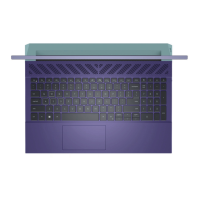
Place the palm-rest and keyboard assembly on a flat surface.
NOTE:
When replacing the palm rest, the solid-state drive holder must be transferred from the old palm rest to the
replacement palm rest.
Removing and installing Field Replaceable Units (FRUs) 79












 To Next Page
