EasyManua.ls Logo

Dell IN2010N - Setting Up Your Monitor; Dell Desktop or Portable Computer Setup

Dell IN2010N
28 pages
Print Icon
To Next Page IconTo Next Page
To Previous Page IconTo Previous Page
Loading...
Back to Contents Page
Setting Up Your Monitor
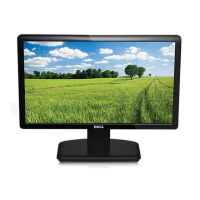
Dell™IN2010NFlatPanelMonitor
If you have a Dell™ desktop or a Dell™ portable computer with internet access
1. Go to http://support.dell.com,enteryourservicetag,anddownloadthelatestdriverforyourgraphicscard.
2. After installing the drivers for your Graphics Adapter, attempt to set the resolution to 1600x900 again.
Back to Contents Page
NOTE: If you are unable to set the resolution to 1600x900 , please contact Dell™
toinquireaboutaGraphicsAdapterthatsupportstheseresolutions.