2. Turn on the monitor and the computer.
If your monitor displays an image, installation is complete. If it does not display an image, see Solving Problems.
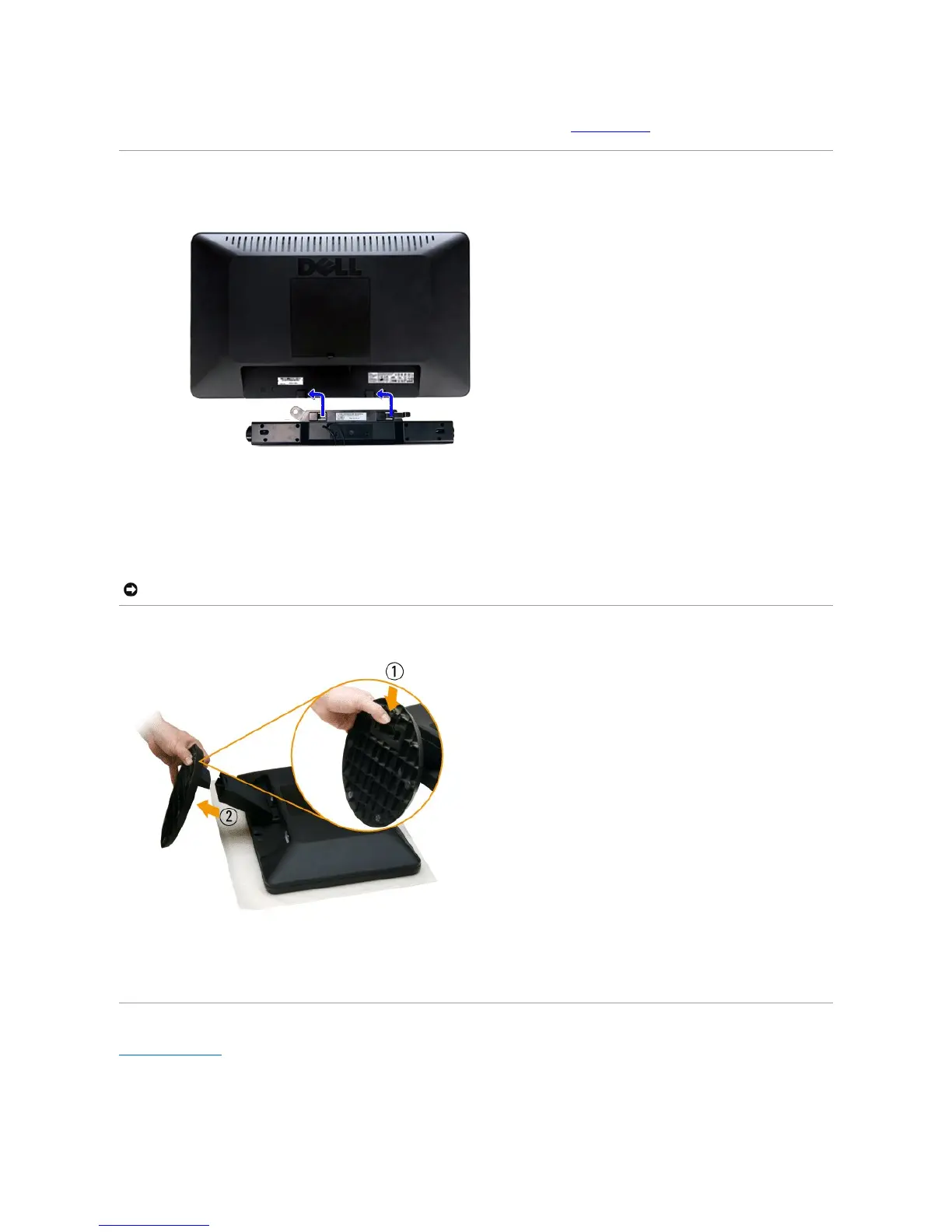
Attaching the Soundbar (Optional)
Removing the Base
After placing the monitor panel on a soft cloth or cushion, complete the following steps to remove the base.
1. Pull down the tab on the bottom of the base.
2. Detach the base away from the monitor.
Back to Contents Page



 To Next Page