Windows key +
Shift + M
Undo Minimize All
Windows key +
Pause/Break
Perform a system
function
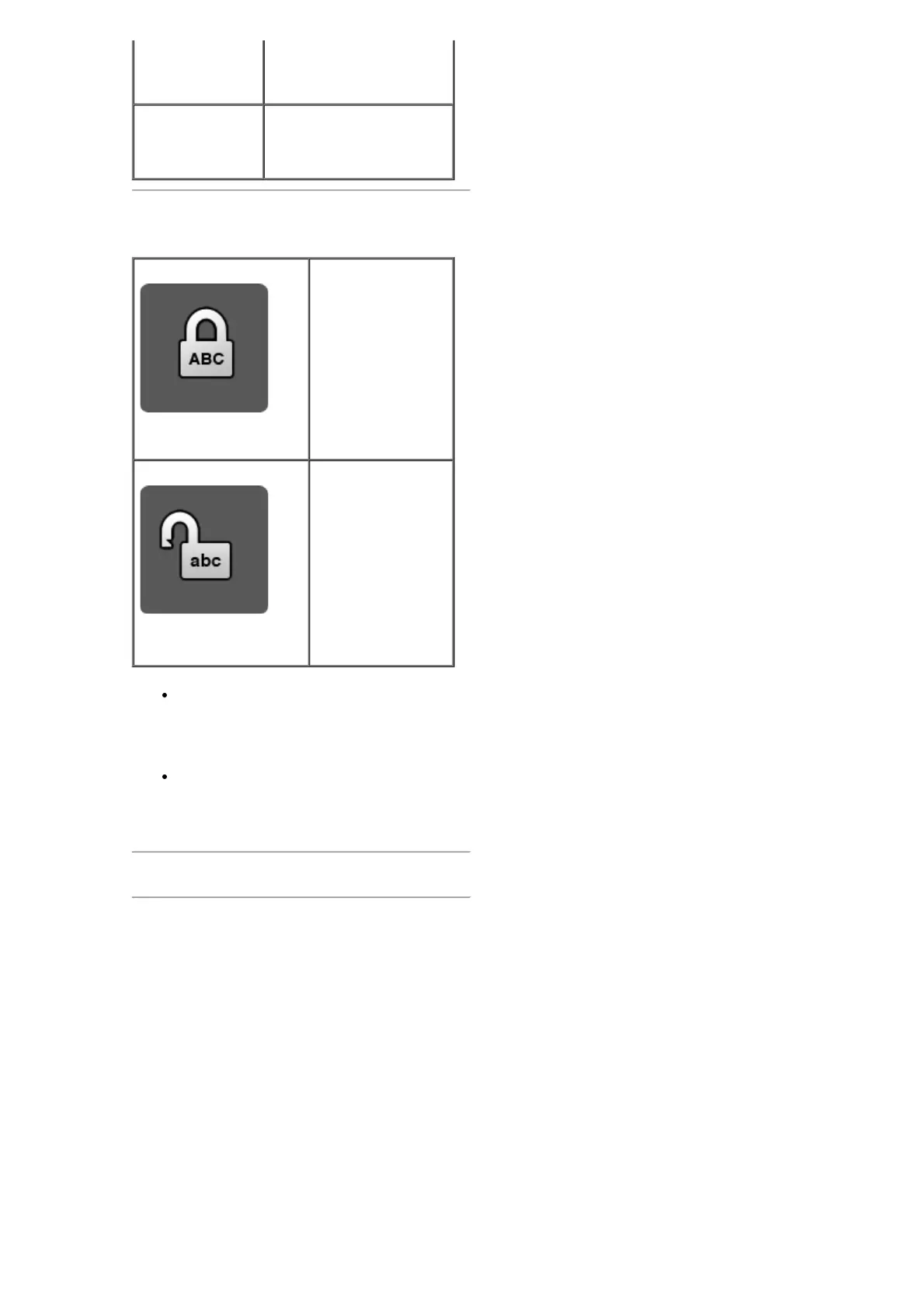
On-Screen Display
Caps Lock On
Caps Lock Off
Caps Lock — allows the typing of all
caps where appropriate, such as titles at
the top of a page, without requiring the
typist to manually keep the shift key
depressed as long as needed.
If the Caps Lock indicator does not
appear on the screen, please download
the driver from
www.support.dell.com/KM632.
Please read all restrictions and disclaimers.
Back to Contents Page







 To Next Page