Back to Contents Page
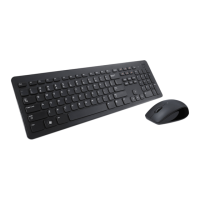
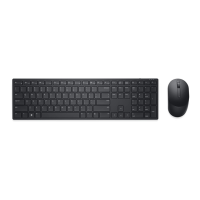
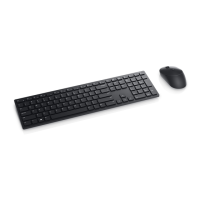
Troubleshooting: Dell™
KM632 Desktop
Wireless Keyboard
If you have problems with your keyboard:
Check if the batteries are placed in the
correct position.
Check if the On/Off switch is on.
After installing the batteries, you will
see a green-colored power indicator on
the front of the keyboard. The LED will
fade off after 15 seconds.
Remove and insert the USB receiver
again.
If you still have a problem, restart your
computer.
Try the USB Receiver on another USB
connector.
Please read all restrictions and disclaimers.
Back to Contents Page





 To Next Page