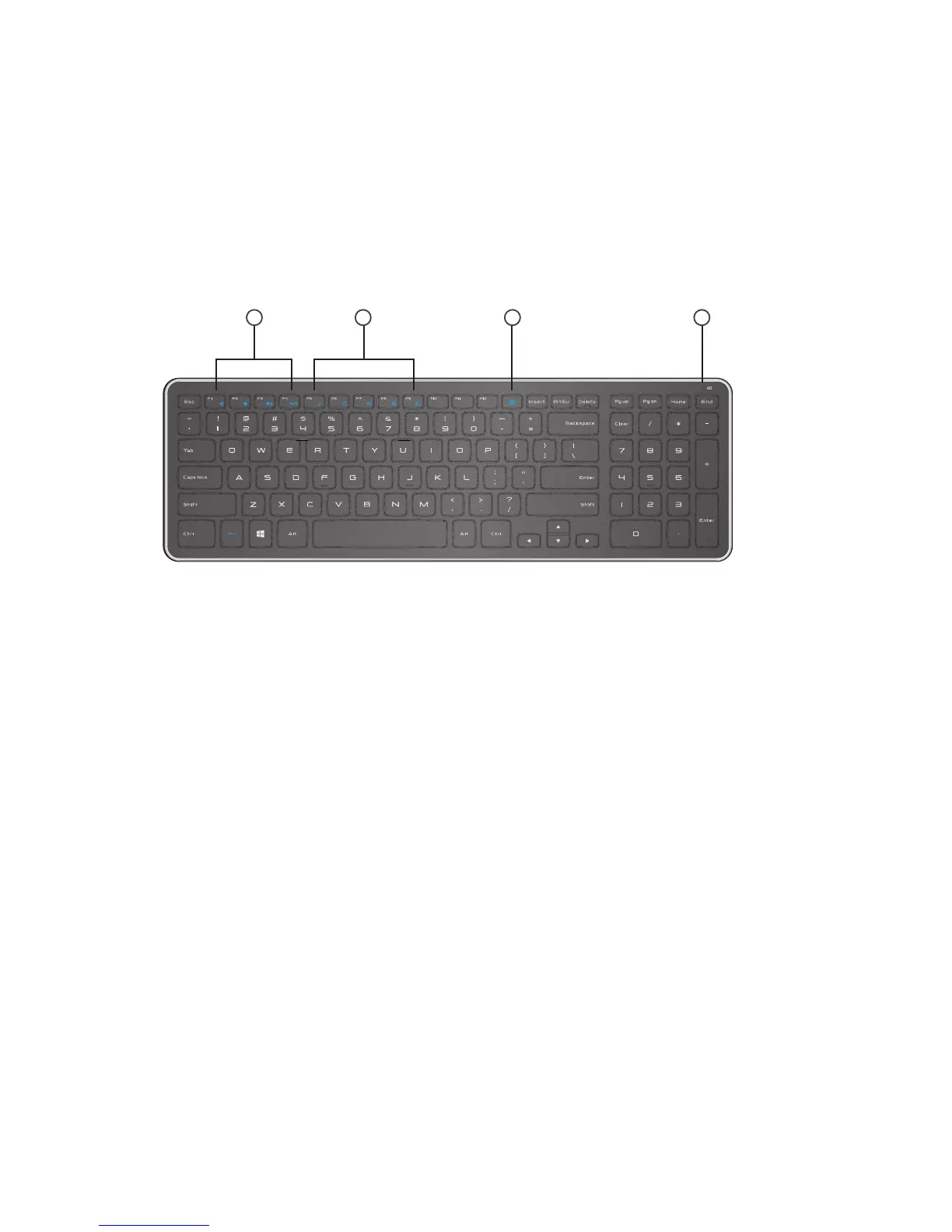
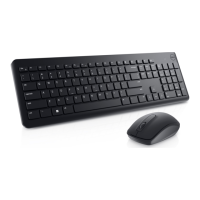
Top View
Features
1. Multimedia Control Keys
2. Windows 8 shortcut keys
3. Optical-drive eject key
4. Battery status light – Indicates the status of the
batteries installed on your keyboard
solid white – Appears for about 15 seconds after the
batteries are installed then turns o
blinking amber – Battery charge is low. Replace the
batteries.
1
2 3
4





 To Next Page