Adding and Replacing Parts 105
NOTICE: When the hard drive is not in the computer, store it in protective antistatic packaging. See "Protecting
Against Electrostatic Discharge" in the Product Information Guide.
5
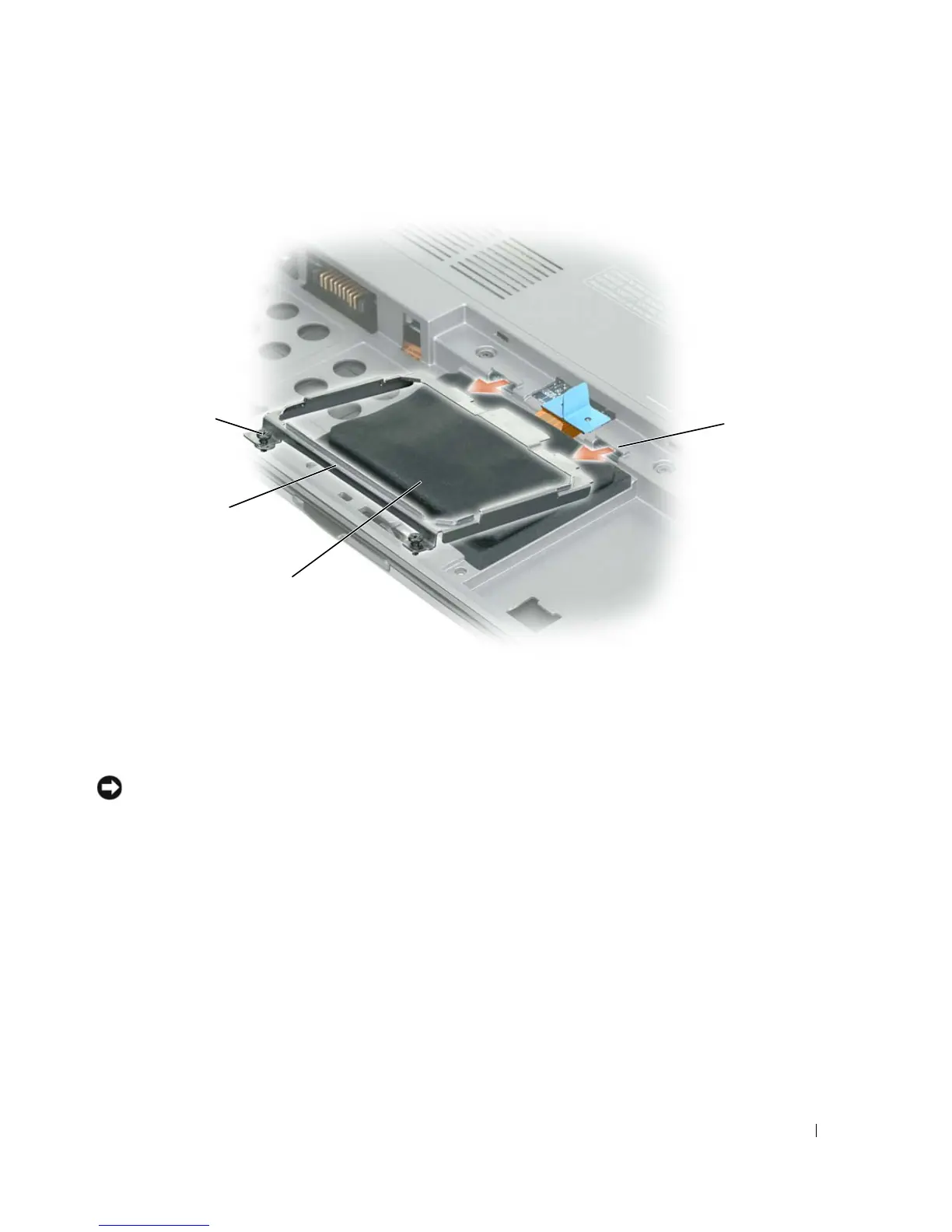
Use the pull-tab to disconnect the hard drive cable from the system board connector and remove the
hard drive from the computer.
1 captive screws (2) 2 metal bracket 3 hard drive
4 metal clips (2)
1
2
3
4















 To Next Page