106 Adding and Replacing Parts
Replacing the Hard Drive
NOTICE: Use firm and even pressure to slide the drive into place. If you use excessive force, you may damage the
connector.
1
Follow the steps in "Removing the Hard Drive" on page 104 in reverse order.
NOTE: This computer is not equipped with an optical drive—use the Media Base (sold separately) to install
software.
2
Install the operating system for your computer (see "Restoring Your Operating System" on page 96).
3
Install the drivers and utilities for your computer (see "Reinstalling Drivers and Utilities" on page 94).
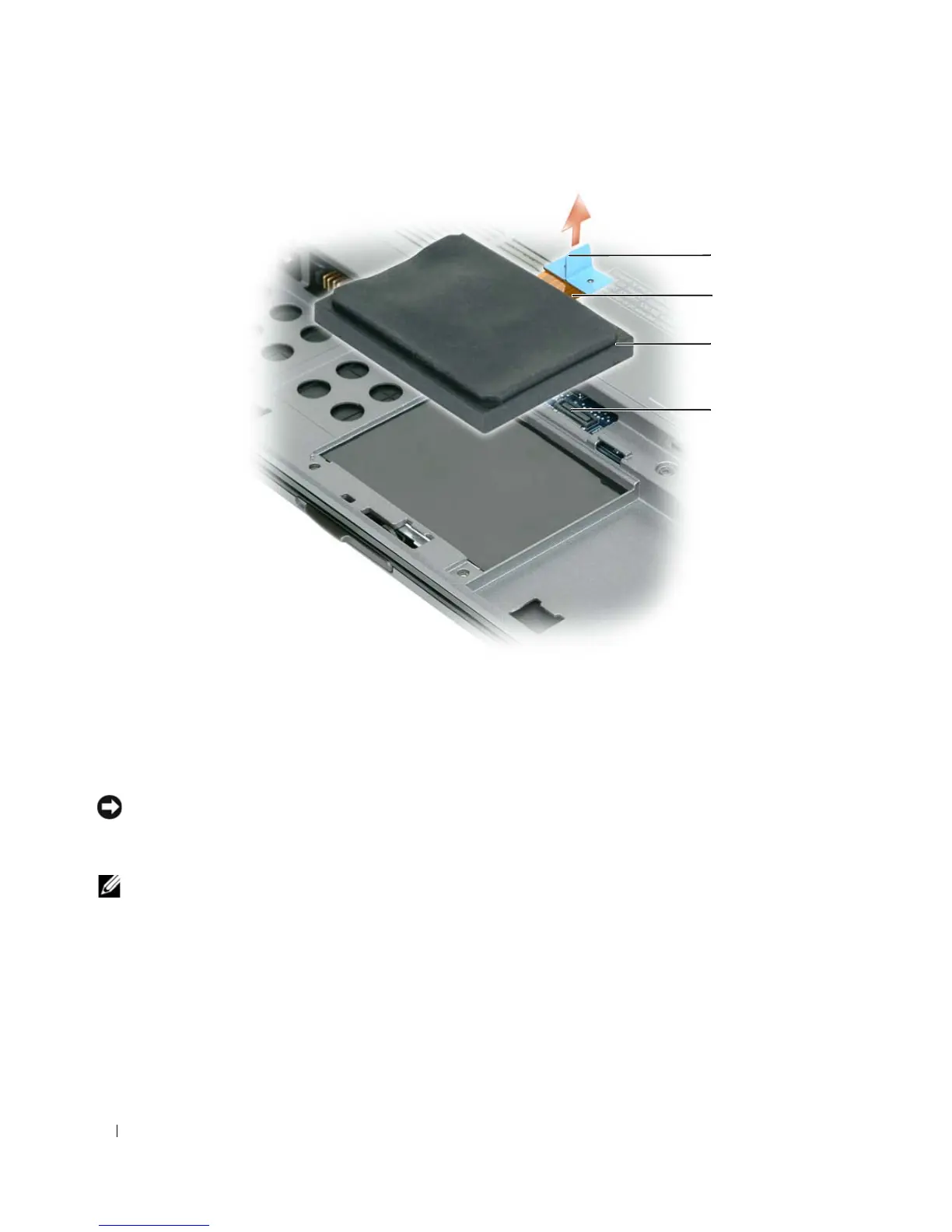
1 pull-tab 2 hard drive cable 3 hard drive
4 system board connector
1
3
4
2















 To Next Page