Adding and Replacing Parts 117
1
Follow the procedures in "Before You Begin" on page 101.
2
Remove the keyboard (see "Mini-Cards" on page 111).
3
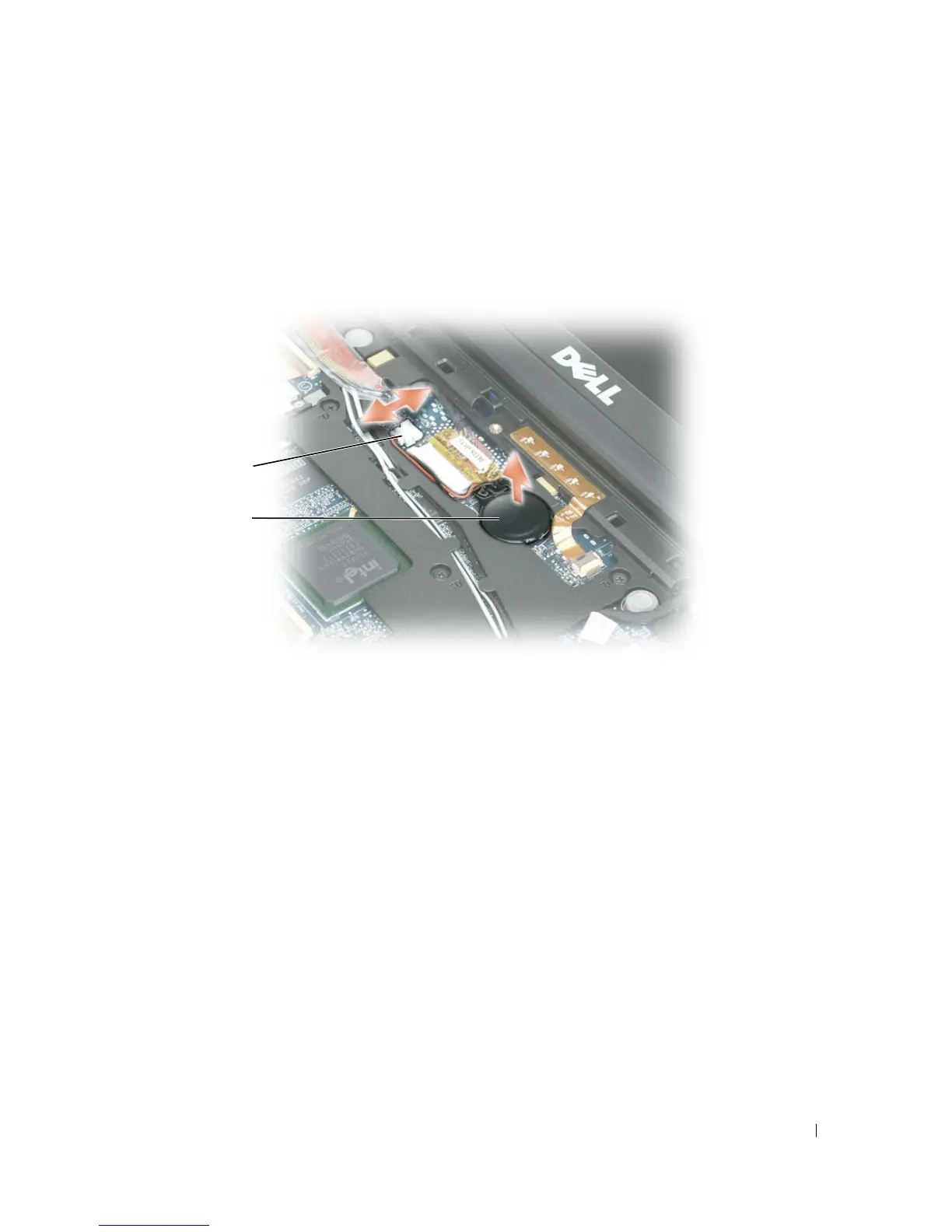
Disconnect the coin-cell battery cable connector from the system board connector.
4
Remove the coin-cell battery from the system board.
When you replace the battery, insert it at a 30-degree angle under the clip with the positive (identified by
a plus [+] symbol) side up, and then push it into place.
1 cable connector 2 coin-cell battery
1
2















 To Next Page