About Your Computer 15
TOUCH PAD BUTTONS — Provide the functionality of a mouse. See "Touch Pad" on page 35 for more information.
TRACK STICK BUTTONS — Provide the functionality of a mouse. See "Touch Pad" on page 35 for more information.
TRACK STICK — Provide the functionality of a mouse. See "Touch Pad" on page 35 for more information.
KEYBOARD — The keyboard includes a numeric keypad as well as the Windows logo key. For information on
supported keyboard shortcuts, see "Key Combinations" on page 33.
SPEAKERS — To adjust the volume of the integrated speakers, press the volume-control keyboard shortcuts. For
more information, see "Key Combinations" on page 33.
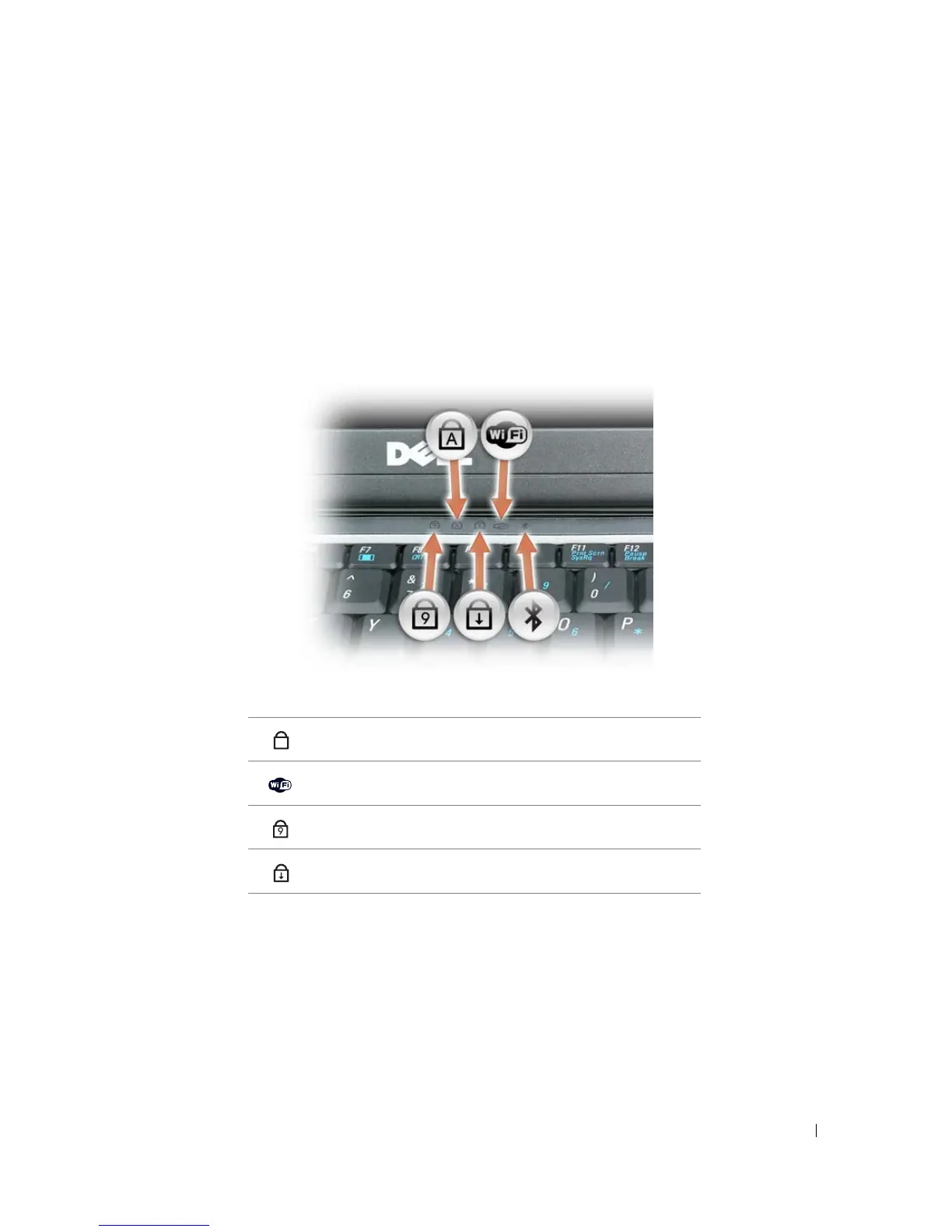
KEYBOARD AND NETWORK STATUS LIGHTS
The green lights located above the keyboard indicate the following:
Turns on when the uppercase letter function is enabled.
Turns on when wireless devices are enabled.
Turns on when the numeric keypad is enabled.
Turns on when the scroll lock function is enabled.
A
9















 To Next Page