Using Cards 55
2
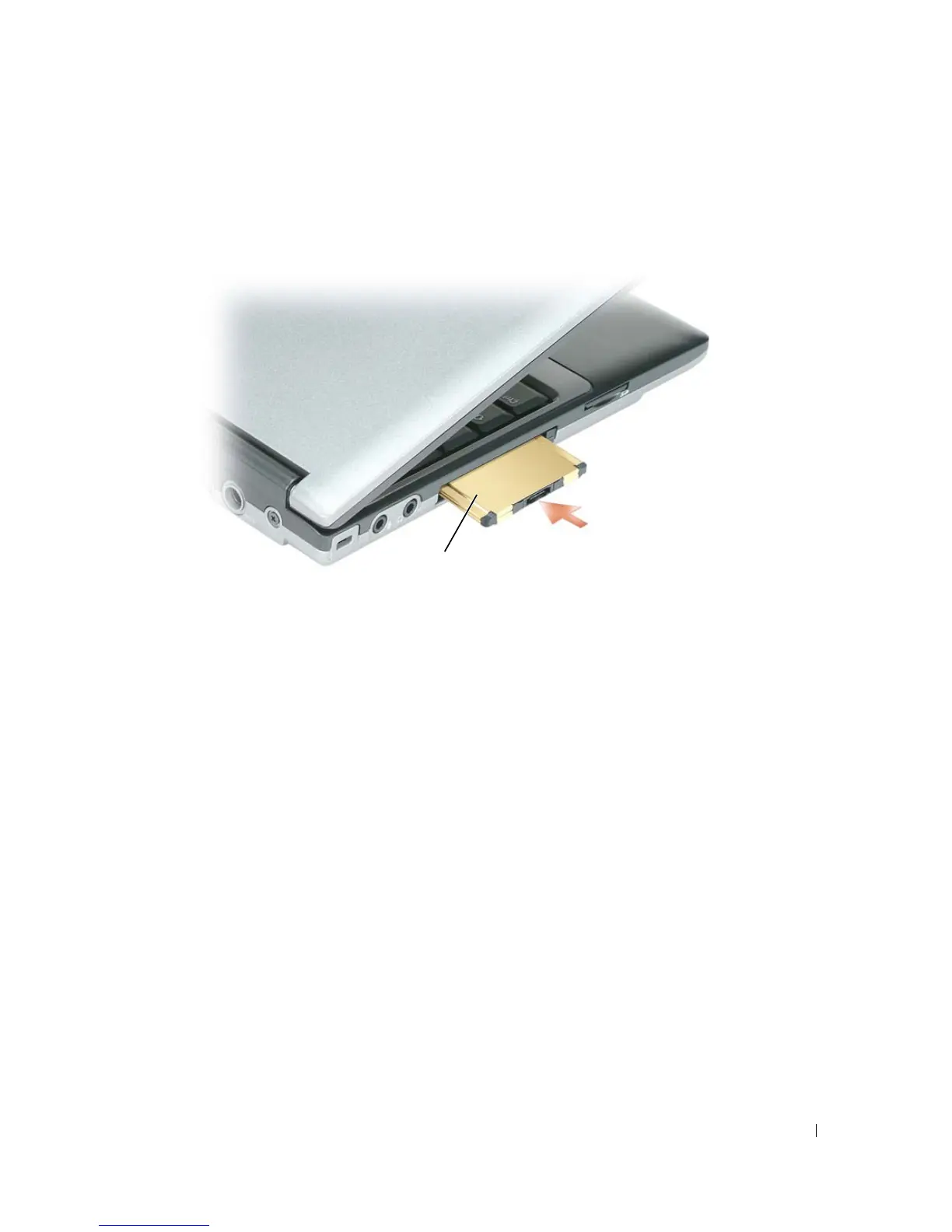
Slide the card into the slot until the card is completely seated in its connector.
If you encounter too much resistance, do not force the card. Check the card orientation and try again.
The computer recognizes most PC Cards and automatically loads the appropriate device driver. If the
configuration program tells you to load the manufacturer's drivers, use the floppy disk or CD that came with
the PC Card.
To install an ExpressCard:
1
Place the ExpressCard in the PC Card adapter (the adapter is included with the ExpressCard).
2
Install the ExpressCard with adapter the same way as a PC Card (see "PC Cards" on page 54).
1 PC Card
1















 To Next Page