9
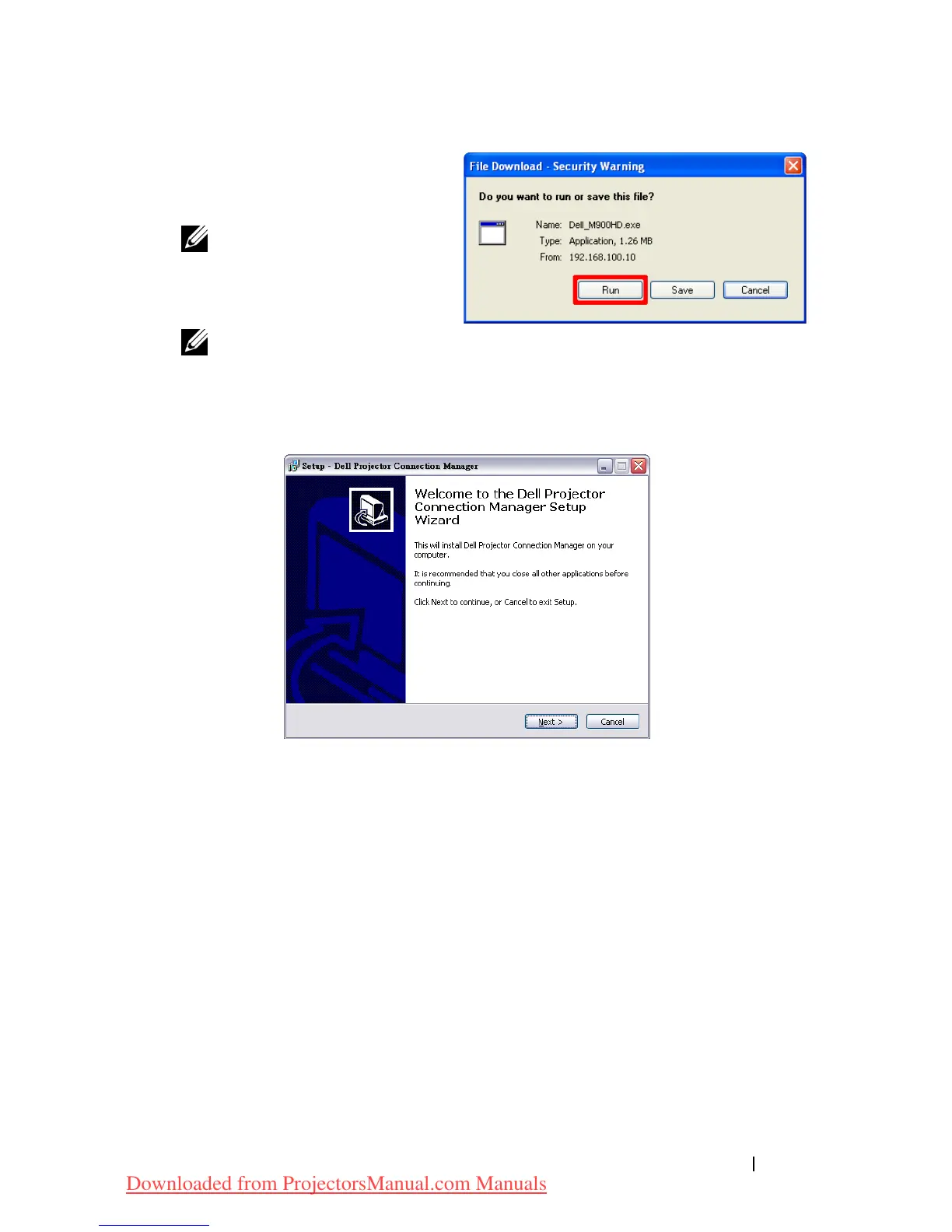
Click
Run
to proceed with
the one-time installation of
the software.
NOTE: You may choose
to save the file and install
it at a later time. To do
this, click Save.
NOTE: If you are unable
to install the application because of inadequate rights on the
computer, please contact your network administrator.
10
The installation software will launch. Follow the on-screen instructions
to complete setup.
Using Your Projector 53
Downloaded from ProjectorsManual.com Manuals



 To Next Page