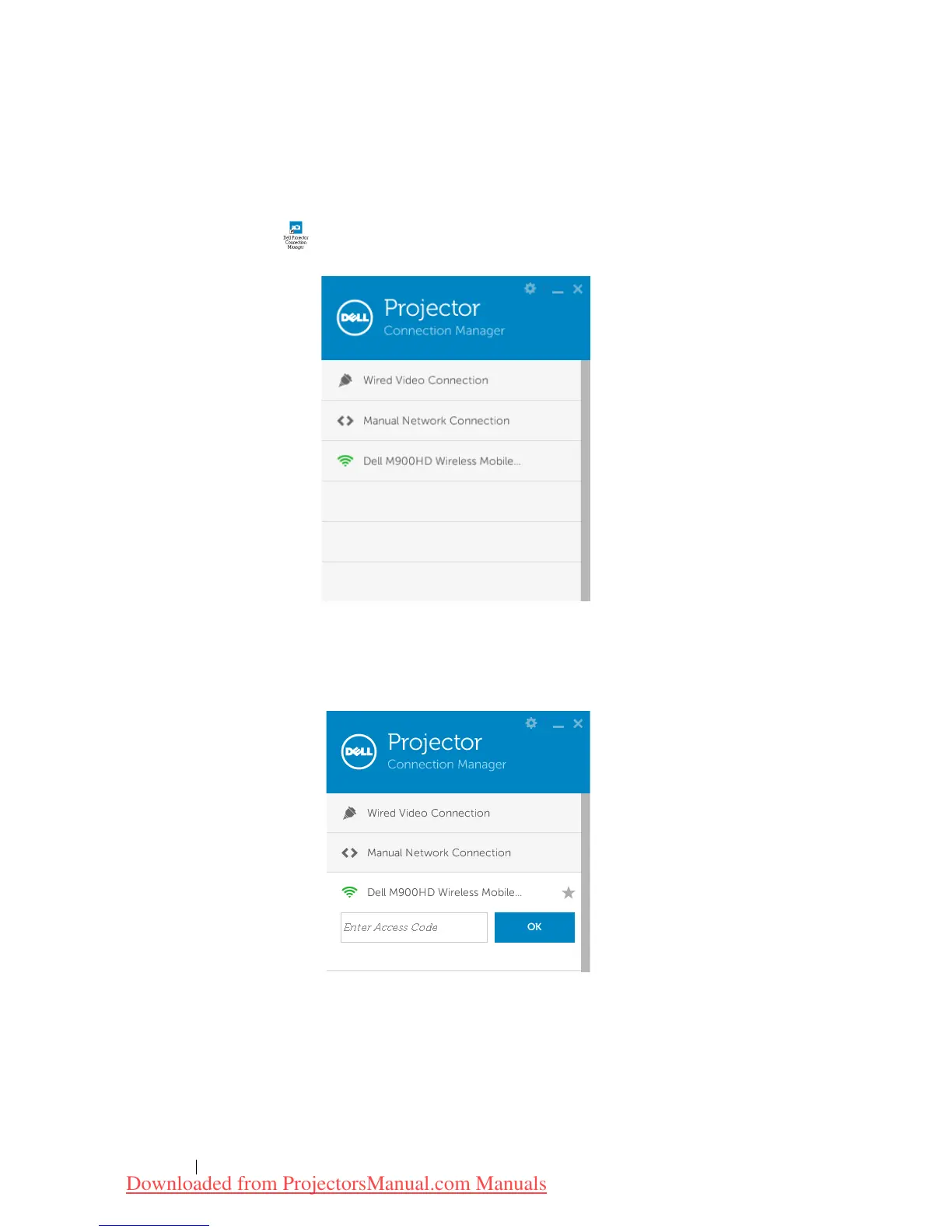
Launch the Dell Projector Connection Manager
Once the installation is complete, the program will launch and search
automatically. If the program does not launch automatically, you can
double-click the icon on the desktop to start the application. Select the
Dell M900HD Wireless Mobile
, and then click
OK
.
Login
Login with the
Access Code
provided in Step 4 of Wi-Fi Display Installation,
then click
OK
.
Using Your Projector 54
Downloaded from ProjectorsManual.com Manuals



 To Next Page