Pairing your wireless mouse │ 11
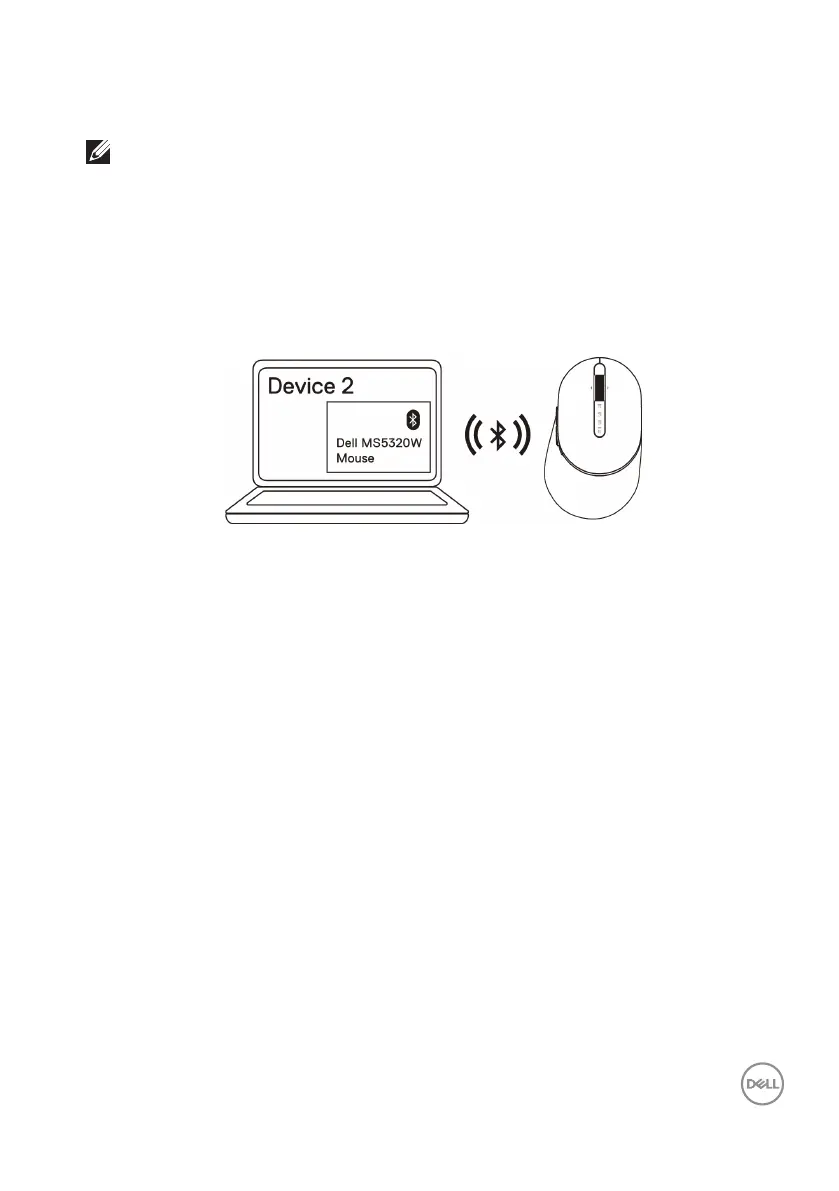
4. Conrm that the pairing process on both mouse and device.
The second-Bluetooth connection light turns solid white for 3 seconds to confirm
the connection is established, and then turns off. After the mouse and a device are
paired, they connect automatically when Bluetooth is enabled and they are within the
Bluetooth range.
NOTE: If Mouse MS5320W is not listed, ensure that the pairing mode is enabled
on the mouse.



 To Next Page