Pairing your wireless mouse │ 9
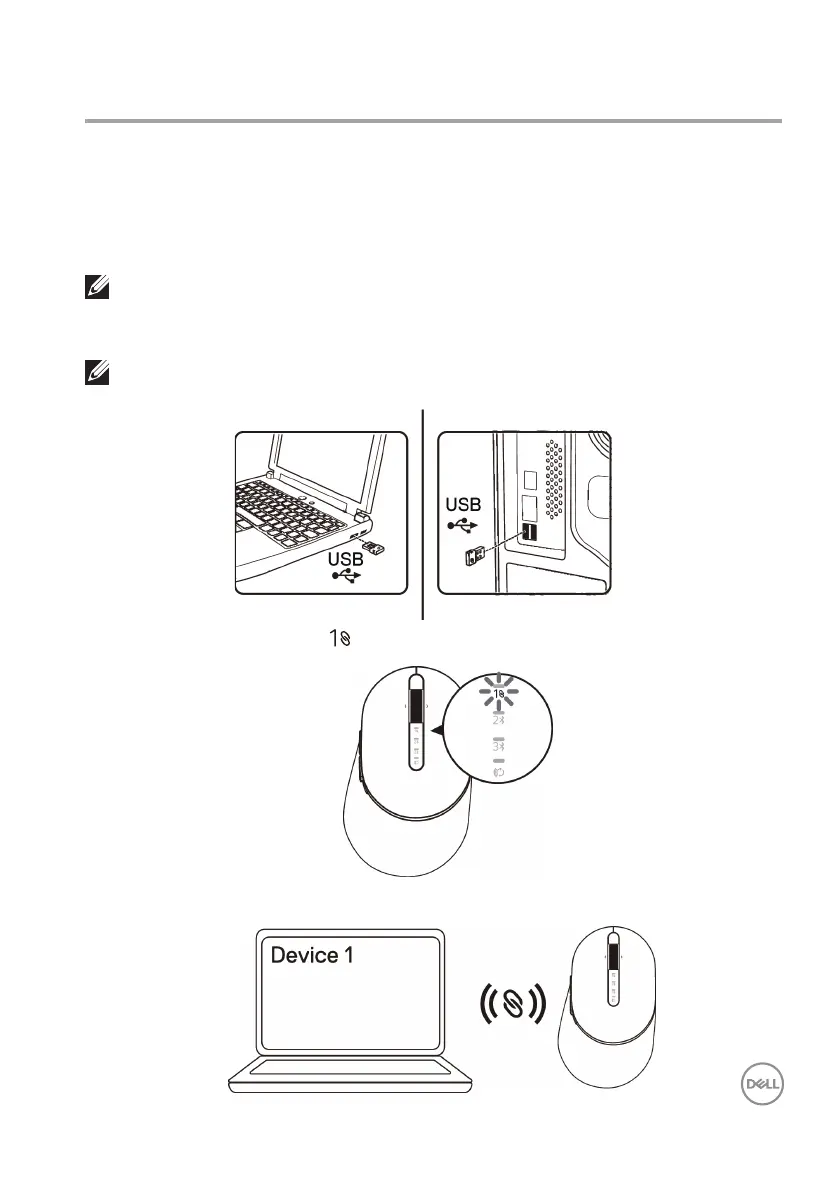
2. The connection-mode light ( ) on the mouse turns on to indicate the Dell Universal
pairing, and then turns o.
Your Dell wireless mouse can be paired with devices using USB and Bluetooth.
You can pair and switch between a laptop, desktop, and a compatible mobile device.
Pairing with a USB dongle
1. Install the Dell Universal USB dongle to the USB port on your computer.
Pairing your wireless mouse
Laptop Desktop
NOTE: You can connect a device to your wireless mouse using the Dell Universal
pairing.
3. The mouse is paired with your USB device.
NOTE: The RF device is pre-paired in the factory.



 To Next Page