25 | Selecting a Deployment Scenario
Selecting a Deployment Scenario
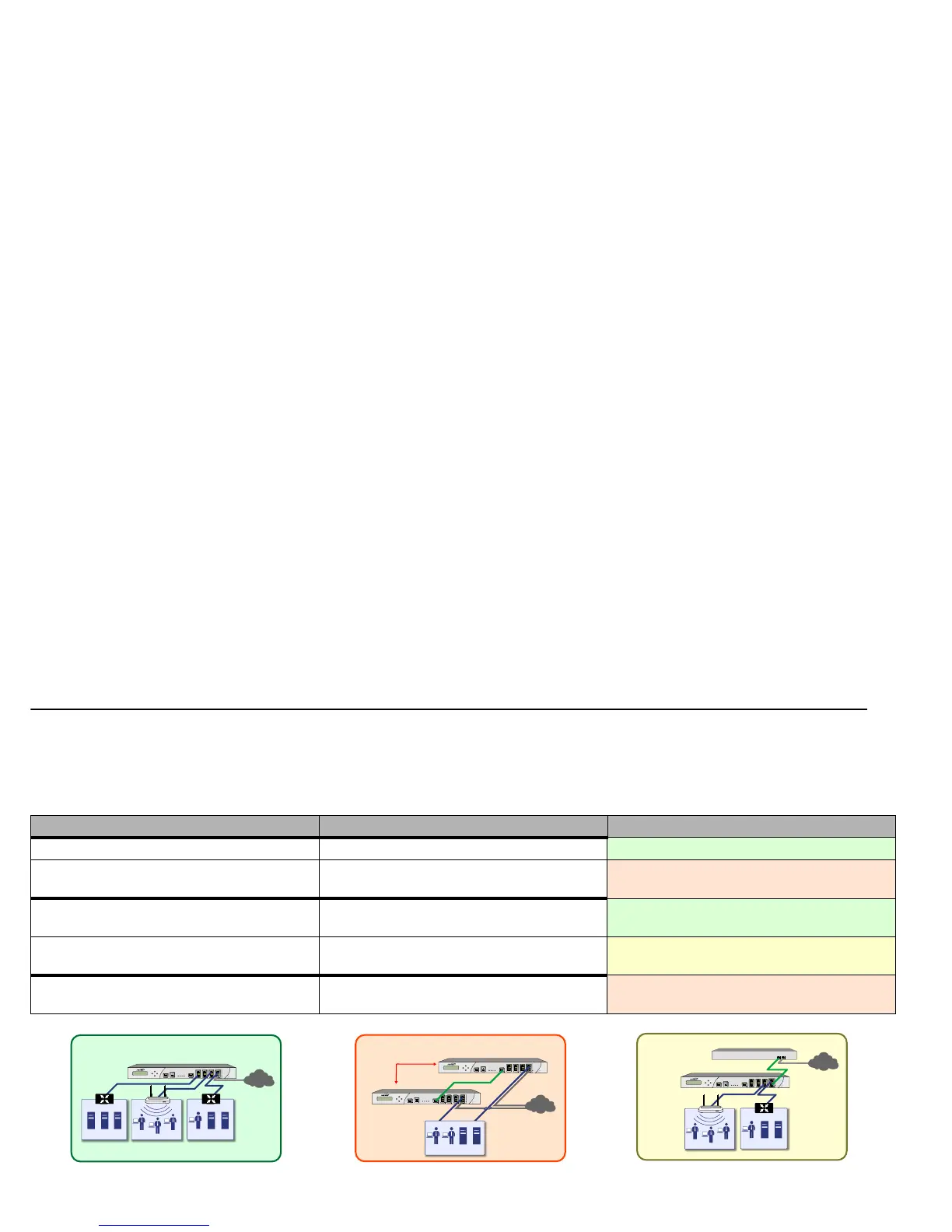
Before continuing, select a deployment scenario that best fits your network scheme. Reference the table below and the diagrams on the
following pages for help in choosing a scenario.
• Scenario A: NAT/Route Mode Gateway - page 26
• Scenario B: State Sync Pair in NAT/Route Mode - page 27
• Scenario C: L2 Bridge Mode - page 28
Current Gateway Configuration New Gateway Configuration Use Scenario
No gateway appliance Single SonicWALL NSA as a primary gateway.
A - NAT/Route Mode Gateway
Pair of SonicWALL NSA appliances for high
availability.
B - NAT with State Sync Pair
Existing Internet gateway appliance SonicWALL NSA as replacement for an existing
gateway appliance.
A - NAT/Route Mode Gateway
SonicWALL NSA in addition to an existing
gateway appliance.
C - L2 Bridge Mode
Existing SonicWALL gateway appliance SonicWALL NSA in addition to an existing
SonicWALL gateway appliance.
B - NAT with State Sync Pair



 To Next Page