Selecting a Deployment Scenario | 26
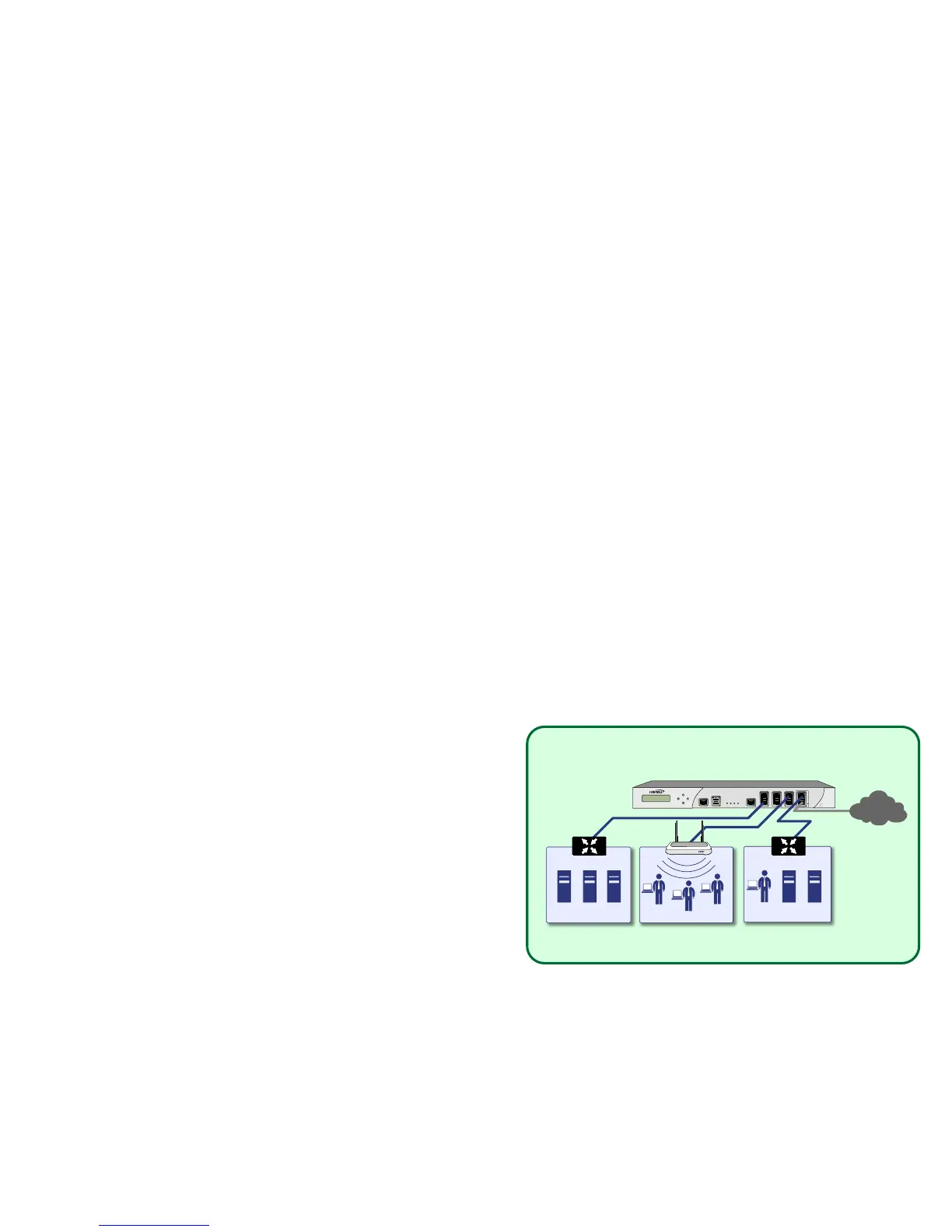
Scenario A: NAT/Route Mode Gateway
For new network installations or installations where the Dell
SonicWALL NSA E5500 is replacing the existing network
gateway.
In this scenario, the Dell SonicWALL NSA E5500 is configured
in NAT/Route mode to operate as a single network gateway.
Two Internet sources may be routed through the appliance for
load balancing and failover purposes. Because only a single
SonicWALL appliance is deployed, the added benefits of high
availability with a stateful synchronized pair are not available.
To set up this scenario, follow the steps covered in Initial Setup,
on page 29. If you have completed setup procedures in that
section, continue to Additional Deployment Configuration, on
page 46, to complete configuration.



 To Next Page