27 | Selecting a Deployment Scenario
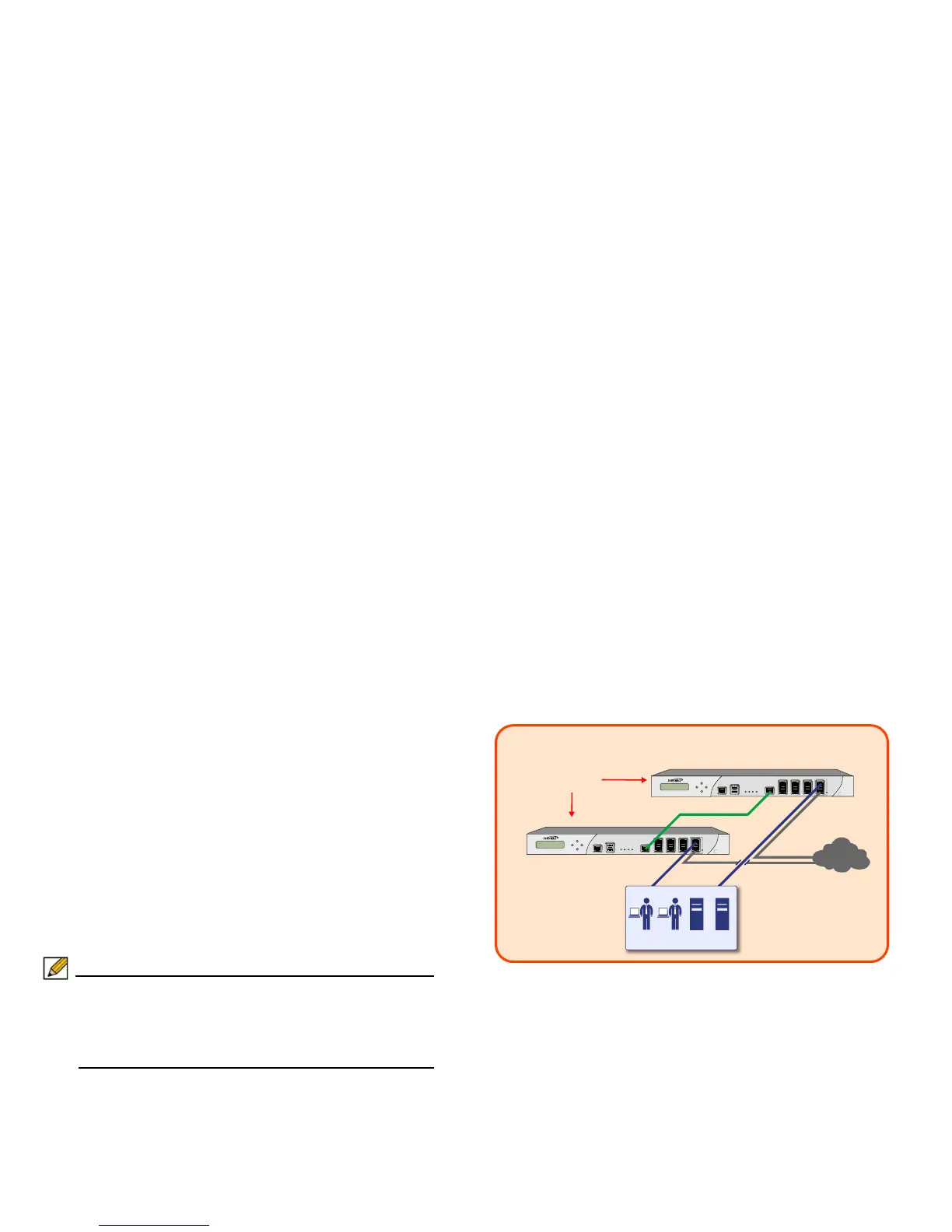
Scenario B: State Sync Pair in NAT/Route
Mode
For network installations with two Dell SonicWALL NSA E5500
appliances configured as a stateful synchronized pair for
redundant high-availability networking.
In this scenario, one Dell SonicWALL NSA E5500 operates as
the primary gateway device and the other Dell SonicWALL NSA
E5500 is in passive mode. All network connection information is
synchronized between the two devices so that the secondary
appliance can seamlessly switch to active mode without
dropping any connections if the primary device loses
connectivity.
Note: Active/Active pair functionality is also available for high-
availability deployments. For more information on the
benefits and setup instruction for Active/Active pair, see
the “SonicOS Active/Active Feature Module” at http://
www.sonicwall.com/us/support.html.
To set up this scenario, follow the steps covered in Initial Setup,
on page 29
and Configuring a Stateful HA Pair, on page 37. If
you have completed setup procedures in those sections,
continue to Additional Deployment Configuration, on page 46,
to complete configuration.



 To Next Page