Disassembly and reassembly
Topics:
• Side cover
• Front bezel
• Fan duct
• Hard-drive assembly
• 3.5-inch hard drive
• Solid-state drive
• Memory modules
• Processor fan and heat-sink assembly
• Processor
• Graphics card
• Graphical processing unit
• Coin-cell battery
• WLAN card
• Slim optical-drive
• Slim optical-drive bracket
• Speaker
• Power button
• Power-supply unit
• Intrusion switch
• Optional I/O modules (Type C/ HDMI/VGA/DP/Serial)
• System board
Side cover
Removing the side cover
Prerequisites
1. Follow the procedure in before working inside your computer.
NOTE: Ensure that you remove the security cable from the security-cable slot (if applicable).
About this task
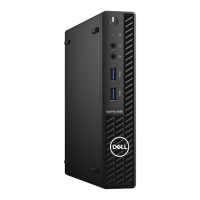
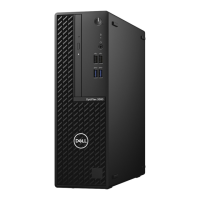
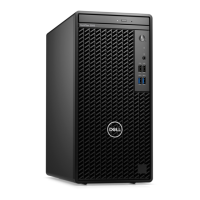
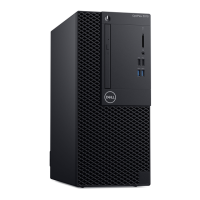
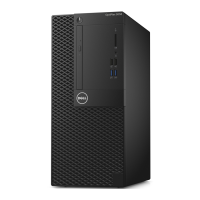
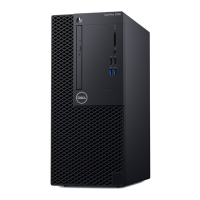
The following images indicate the location of the side cover and provide a visual representation of the removal procedure.
4
18 Disassembly and reassembly




 To Next Page
