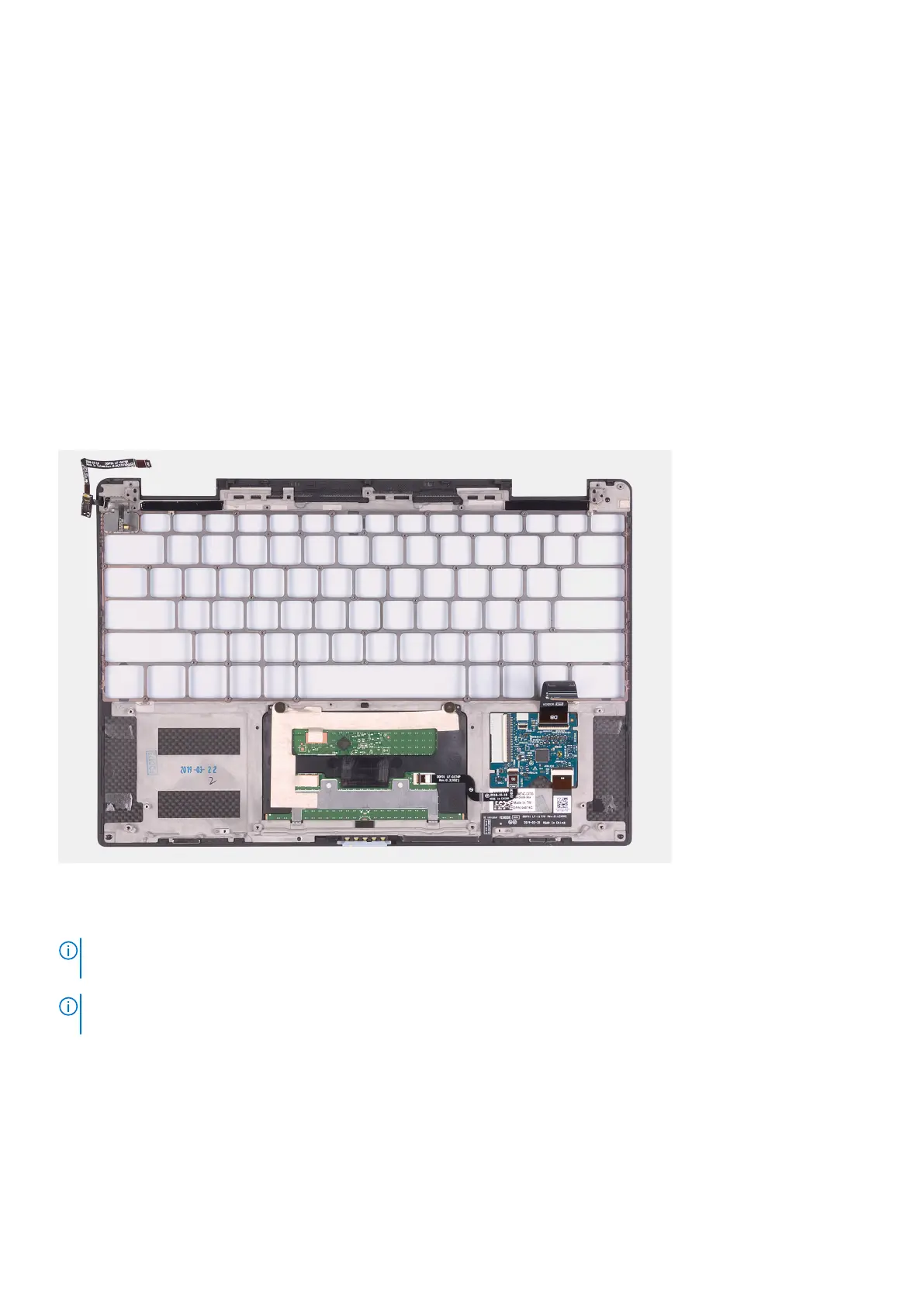
Palm-rest assembly
Removing the palm-rest assembly
Prerequisites
1. Follow the procedure in Before working inside your computer.
2. Remove the base cover.
3. Remove the battery.
4. Remove the display assembly.
5. Remove the speakers.
6. Remove the system board.
7. Remove the keyboard assembly.
About this task
The following image indicates the palm-rest assembly and provides a visual representation of the removal procedure.
Steps
The palm-rest assembly is left after performing the steps in the prerequisites.
NOTE:
Keep the power-button and fingerprint reader bracket if you must replace the palm-rest assembly as the bracket is
a separate service part for reuse.
NOTE: If the power-button and fingerprint reader bracket is not found on the palm-rest assembly, the bracket should be on
the system board.
Installing the palm-rest assembly
Prerequisites
If you are replacing a component, remove the existing component before performing the installation procedure.
Removing and installing components
35



 To Next Page