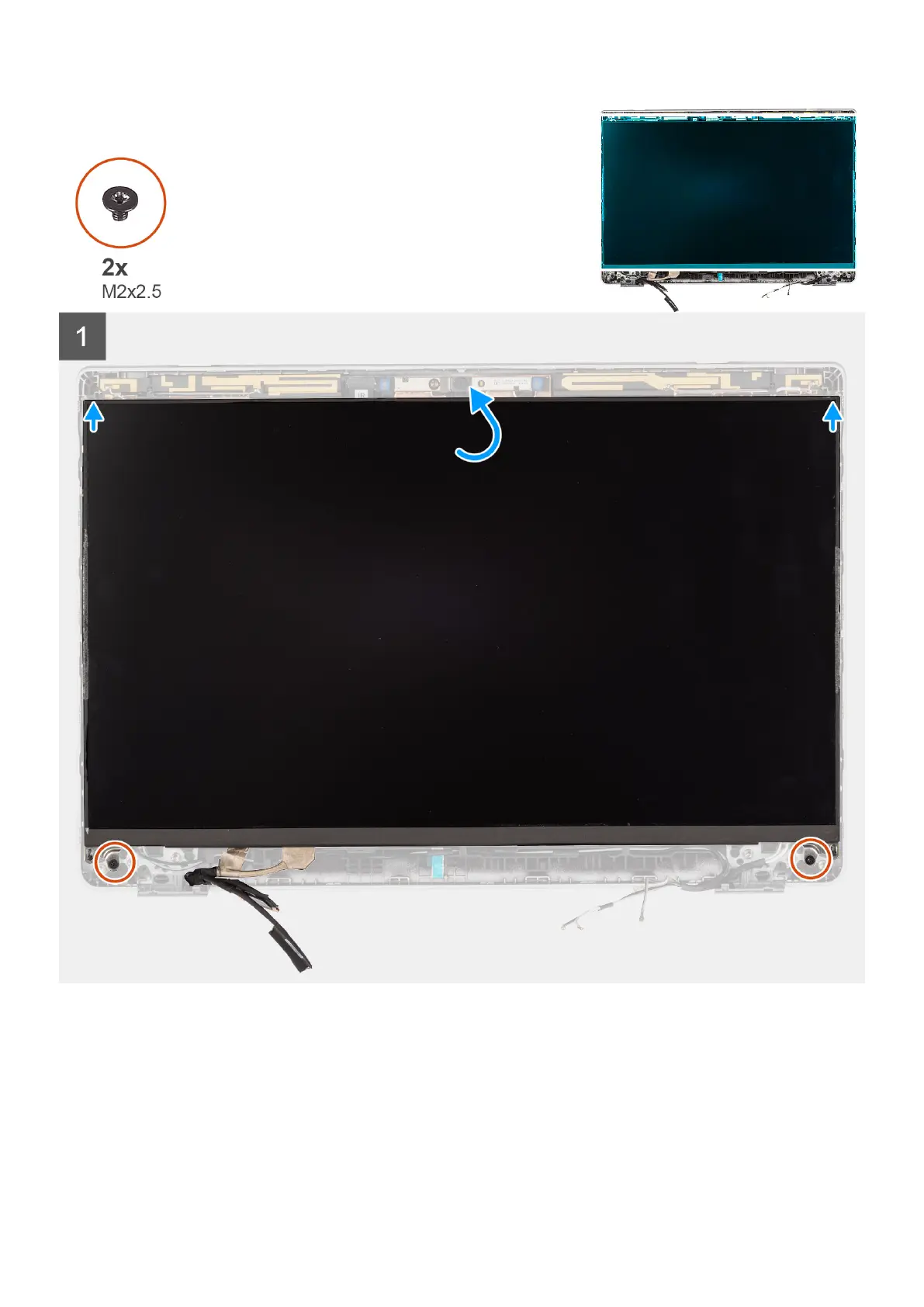
Steps
1. Connect the display cable to the connector and close the latch.
2. Adhere the adhesive strip to secure the display cable connector.
3. Insert the display panel tabs into the slots on the display cover.
4. Replace the two (M2x2.5) screws that secure the display panel to the display assembly.
Next steps
1. Install the display hinges.
96
Removing and installing components



 To Next Page