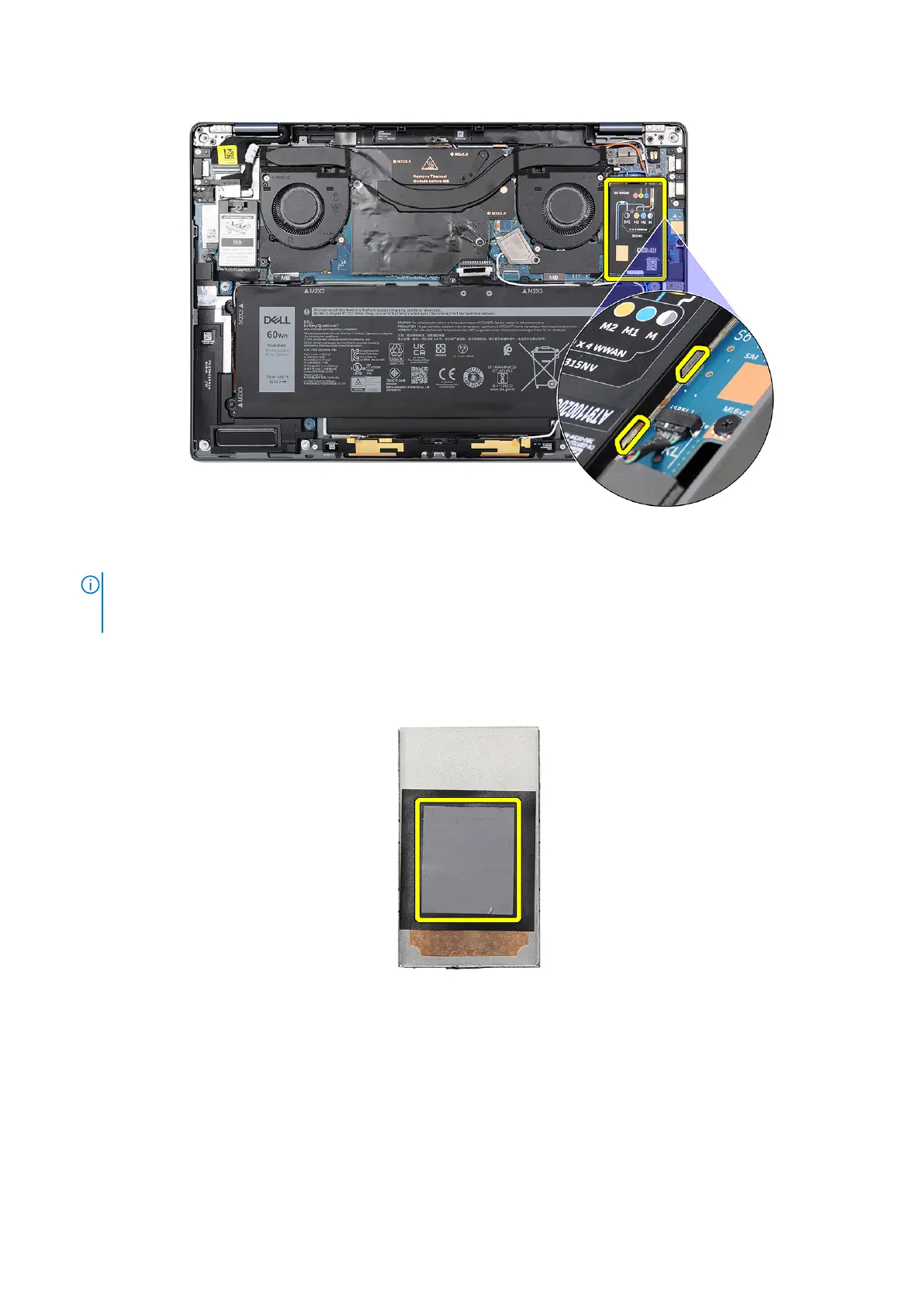
Figure 32. WWAN card shielding cover
NOTE:
A thermal pad is included with the WWAN card shielding cover which must always be adhered to the cover. If
the thermal pad gets separated from the cover or adheres to the WWAN card during the removal procedure, you must
readhere the thermal pad to the cover before installing the cover to the system.
Figure 33. Thermal pad
2. Loosen the captive screw that secures the WWAN card bracket to the system board.
3. Lift the WWAN card bracket out of the system.
4. Disconnect the four antenna cables from the connectors (JNGFF2) at the top of the WWAN card.
Removing and installing Customer Replaceable Units (CRUs)
53



 To Next Page