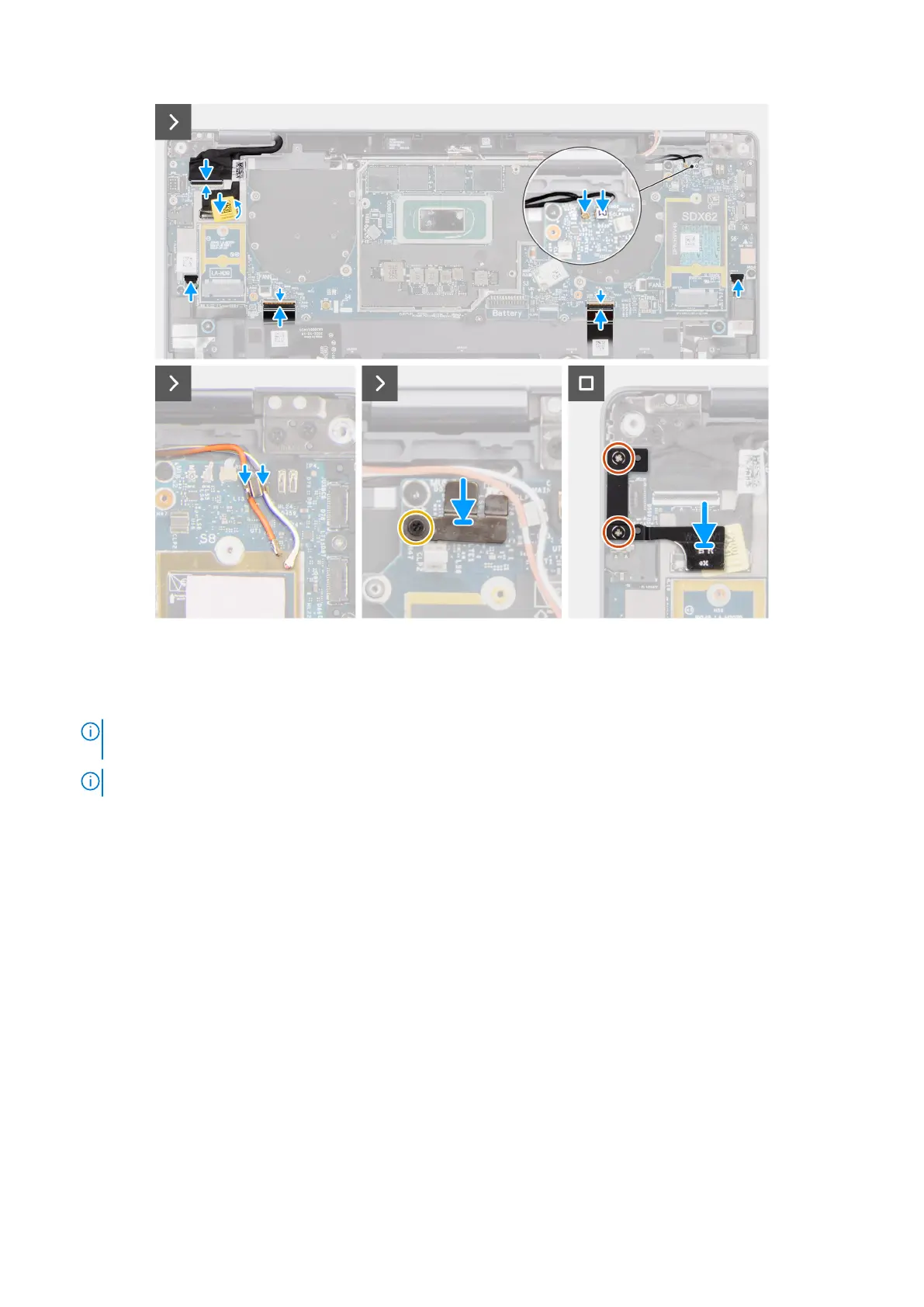
Figure 59. Installing the system board
Steps
1. Adhere the display absorber and WWAN thermal pad (for systems shipped with WWAN) on the system board.
NOTE:
All the above mentioned absorbers/stickers on the system board are re-usable and must be immediately
relocated to the replacement system board.
NOTE: The following items MUST be transferred to the replacement system board.
76 Removing and installing Field Replaceable Units (FRUs)



 To Next Page