Operating the monitor │ 49
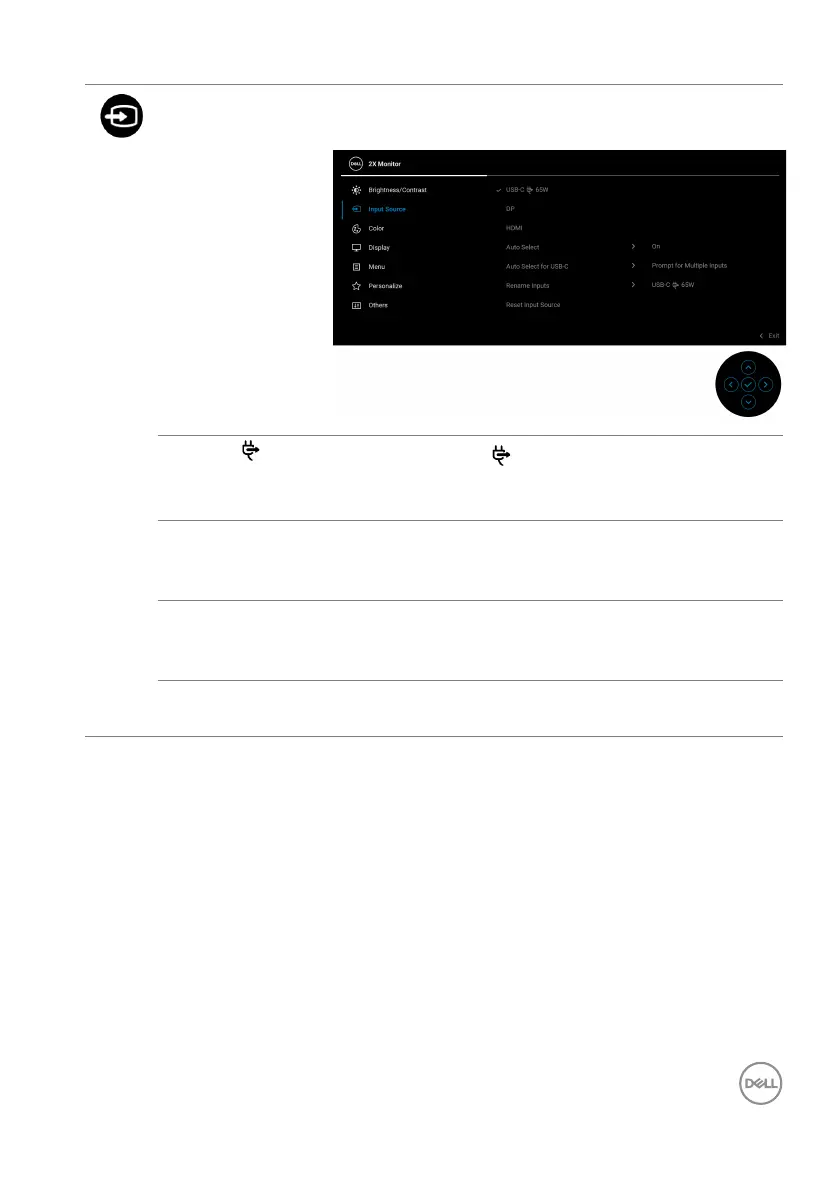
Input Source Selects between the different video signals that may
be connected to your monitor.
USB-C 65W
Select the USB-C
65W input when you are using
the USB Type-C connector. Press the joystick to
con
firm the selection.
DP Select the DP inpu
t when you are using the
DisplayPort (DP) connector. Press the joystick to
confirm the selection.
HDMI Select the HDM
I input when you are using the HDMI
connector. Press the joystick to confirm the
selection.
Auto Select Allows you to scan for available input sources. The
def
ault is On.



 To Next Page