Operating the monitor | 65
Joystick Functions
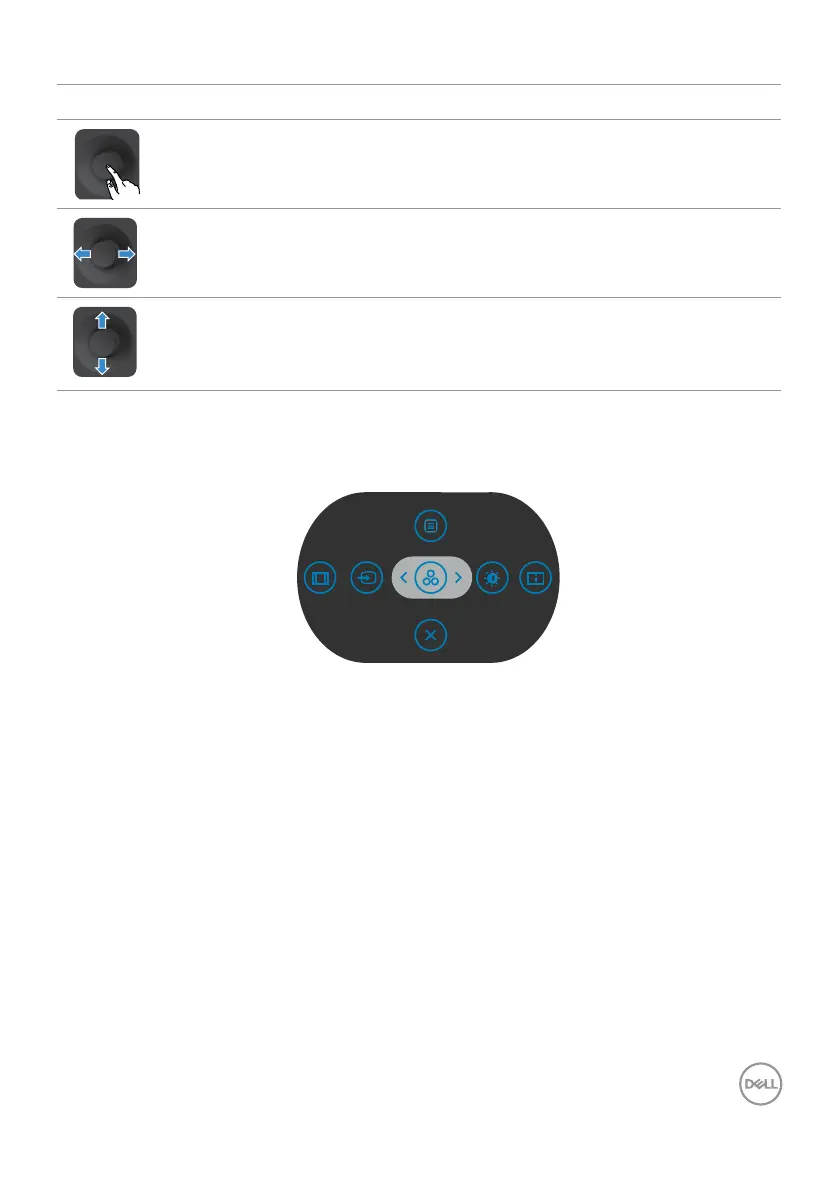
Joystick Description
Press joystick to open the OSD Menu Launcher.
For right and left navigation.
For up and down navigation.
Using the rear-panel controls
Press the Joystick to open the OSD Menu Launcher.
Menu Launcher
• Toggle the Joystick Up to open the Main Menu.
• Toggle the Joystick Left or Right to select the desired Shortcut Keys.
• Toggle the Joystick Down to Exit.



 To Next Page