Operating the monitor | 95
Setting up the monitor webcam as default setting on
the operating system
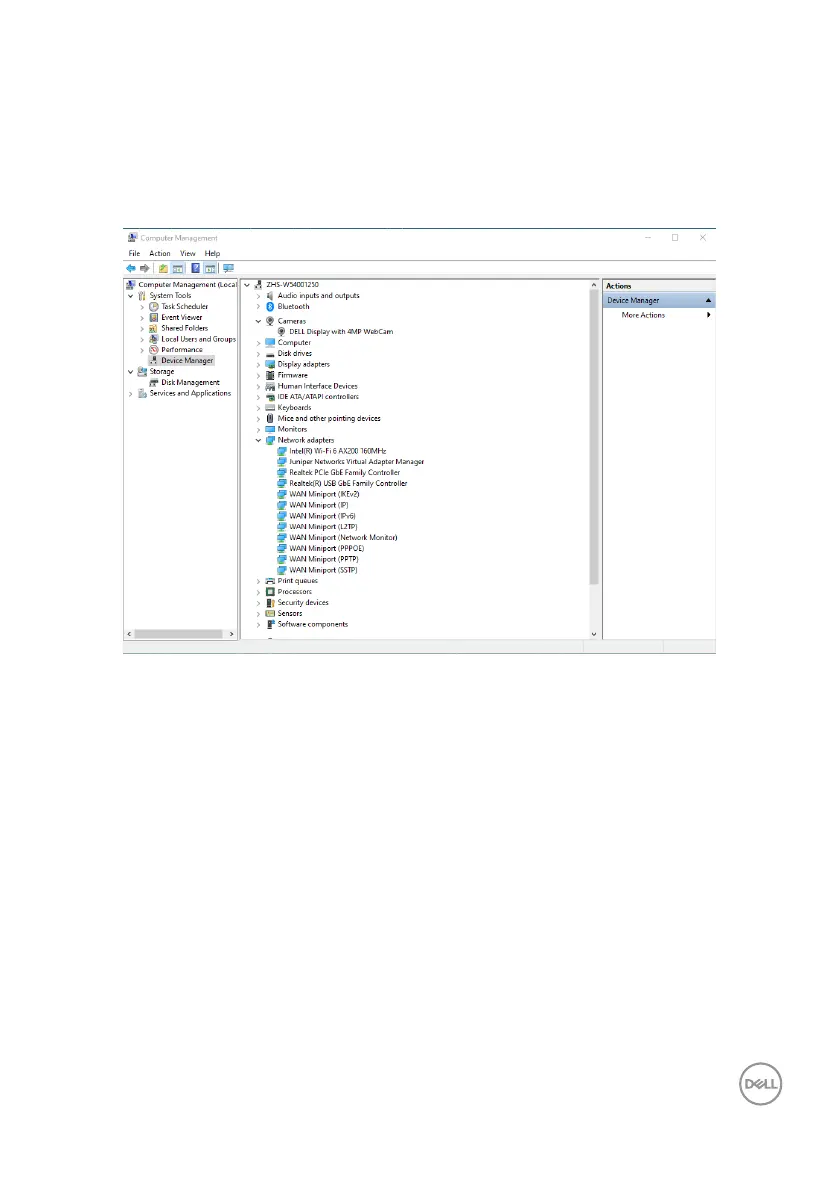
When using a notebook with built-in webcam to connect this monitor, in the device
manager interface, you can find the notebook built-in webcam and the monitor
webcam. Normally, they are in enable status, and the default setting is using notebook
built-in webcam.



 To Next Page