96 | Operating the monitor
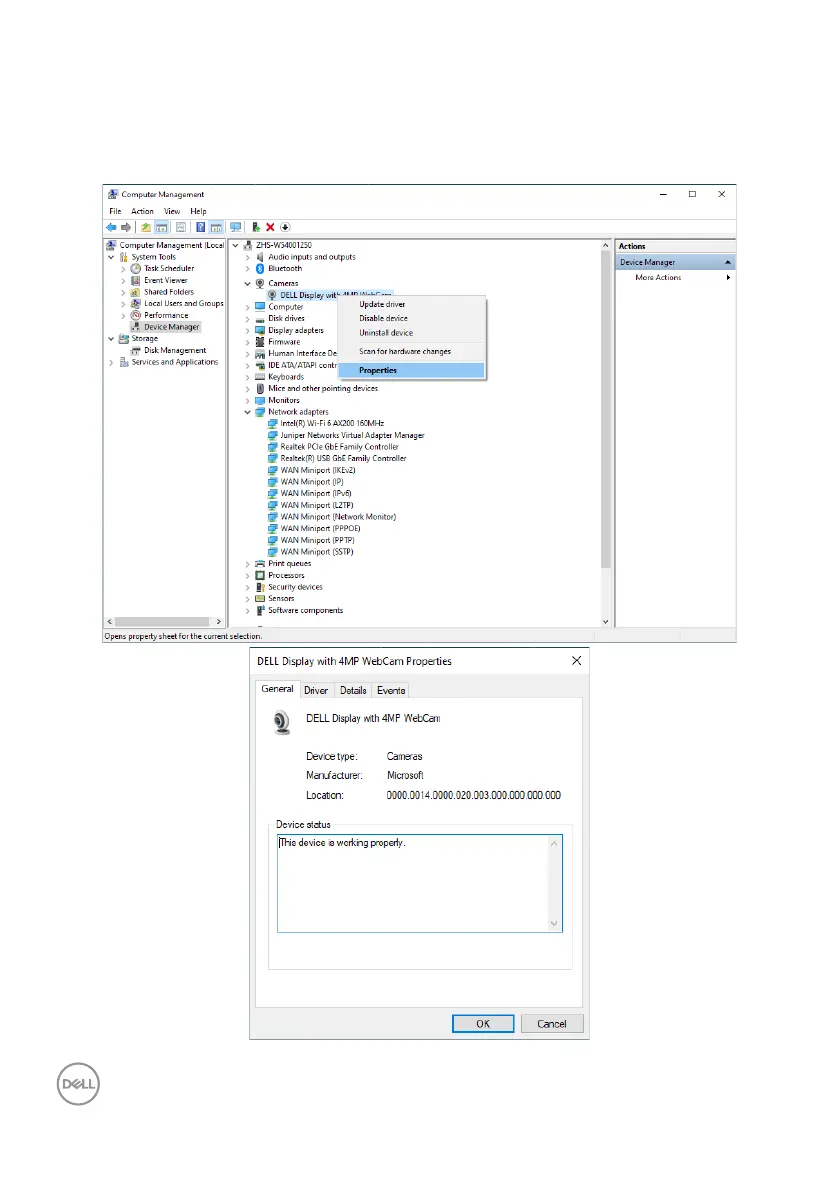
If you want to set up the monitor webcam as default setting, you need disable the
notebook built-in webcam. To identify the notebook built-in webcam and disable it,
please follow below instructions:
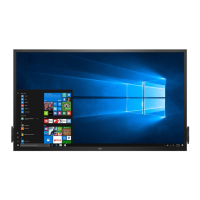
Right-click DELL Display with 4MP WebCam, and click Properties to open the
DELL Display with 4MP WebCam Properties.



 To Next Page