Operating the monitor | 89
Multi-Monitor Sync (MMS)
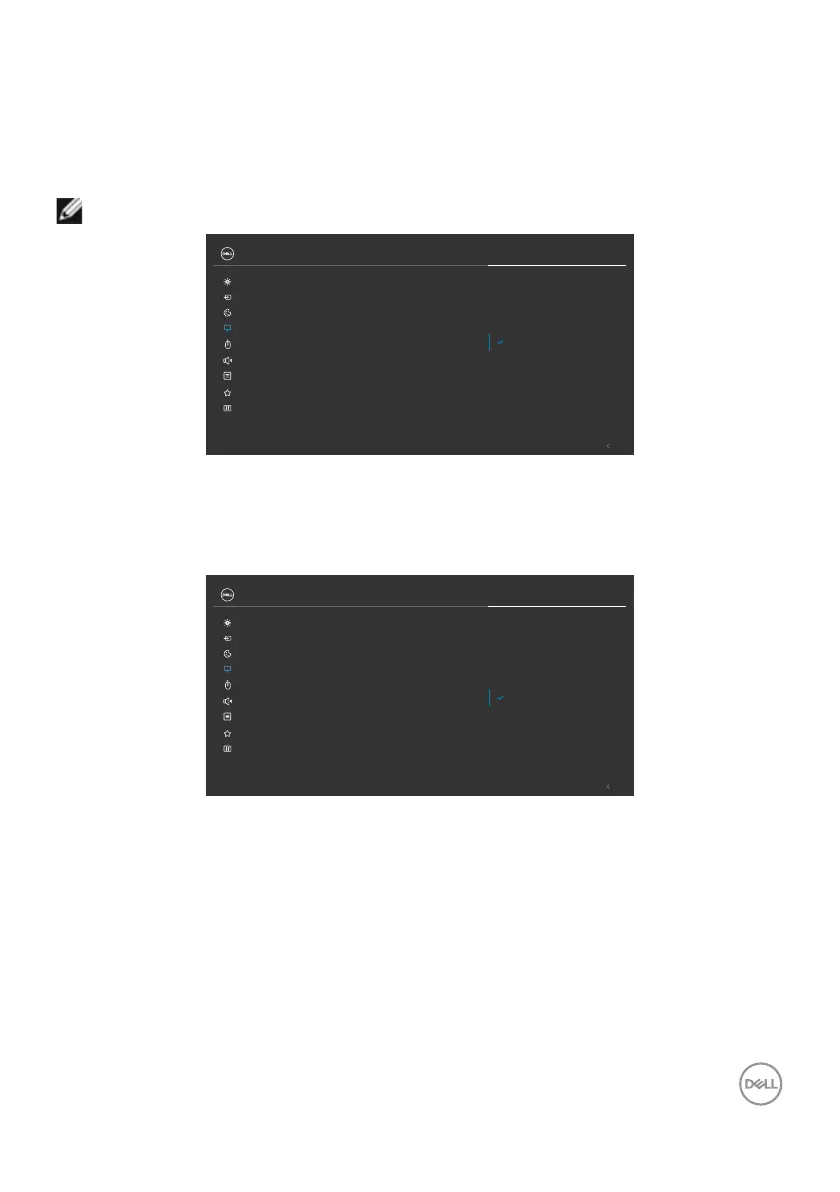
Multi-Monitor Sync allows multiple monitors that are daisy chained via DisplayPort to
synchronize a pre-defined group of OSD settings in the background.
An OSD option, Multi-Monitor Sync is available in Display Menu to allow user to
enable/disable syncing.
NOTE: MMS is not supported over HDMI interface.
Sharpness
Response Time
Aspect Ratio
Exit
MST
27 Monitor
Input Source
Color
Brightness/Contrast
Display
Personalize
Others
Menu
USB
Audio & Webcam
Multi-Monitor Sync
On
Dell Power Button Sync
Reset Display
Off
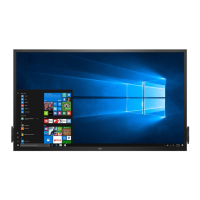
If Monitor 2 supports Multi-Monitor Sync, its MMS option will automatically be set to
On for syncing as well.
If syncing of OSD settings across monitors is not preferred, this feature can be disabled
by setting MMS option of any of the monitor to Off.
Sharpness
Response Time
Aspect Ratio
Exit
MST
27 Monitor
Input Source
Color
Brightness/Contrast
Display
Personalize
Others
Menu
USB
Audio & Webcam
Multi-Monitor Sync
On
Dell Power Button Sync
Reset Display
Off
OSD Settings to be synchronized
• Brightness
• Contrast
• Preset Modes
• Color Temperature
• Custom Color (RGB Gain)
• Hue (Movie, Game mode)
• Saturation (Movie, Game mode)
• Response Time
• Sharpness



 To Next Page