R
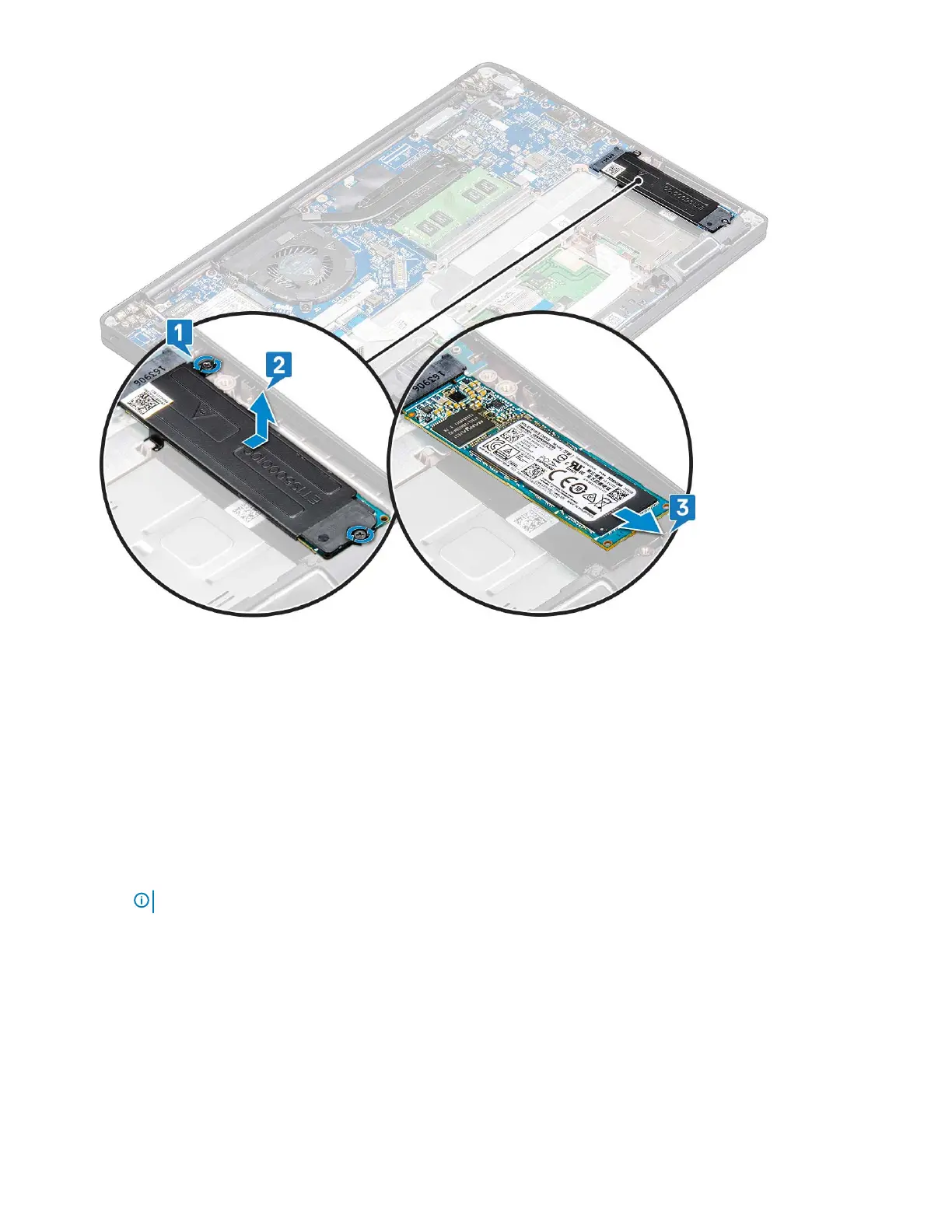
Removing PCIe SSD without bracket
1 Follow the procedure in Before working inside your computer.
2 Remove the :
a base cover
b battery
3 To remove the PCIe SSD:
a Loosen the M2.0x3.0 captive screw that secure the SSD bracket [1].
b Slightly lift the SSD and pull out from its connector [2].
NOTE: Ensure to lift the PCle SSD card by an angle NOT more than 30°.
Removing and installing components 13



 To Next Page