I
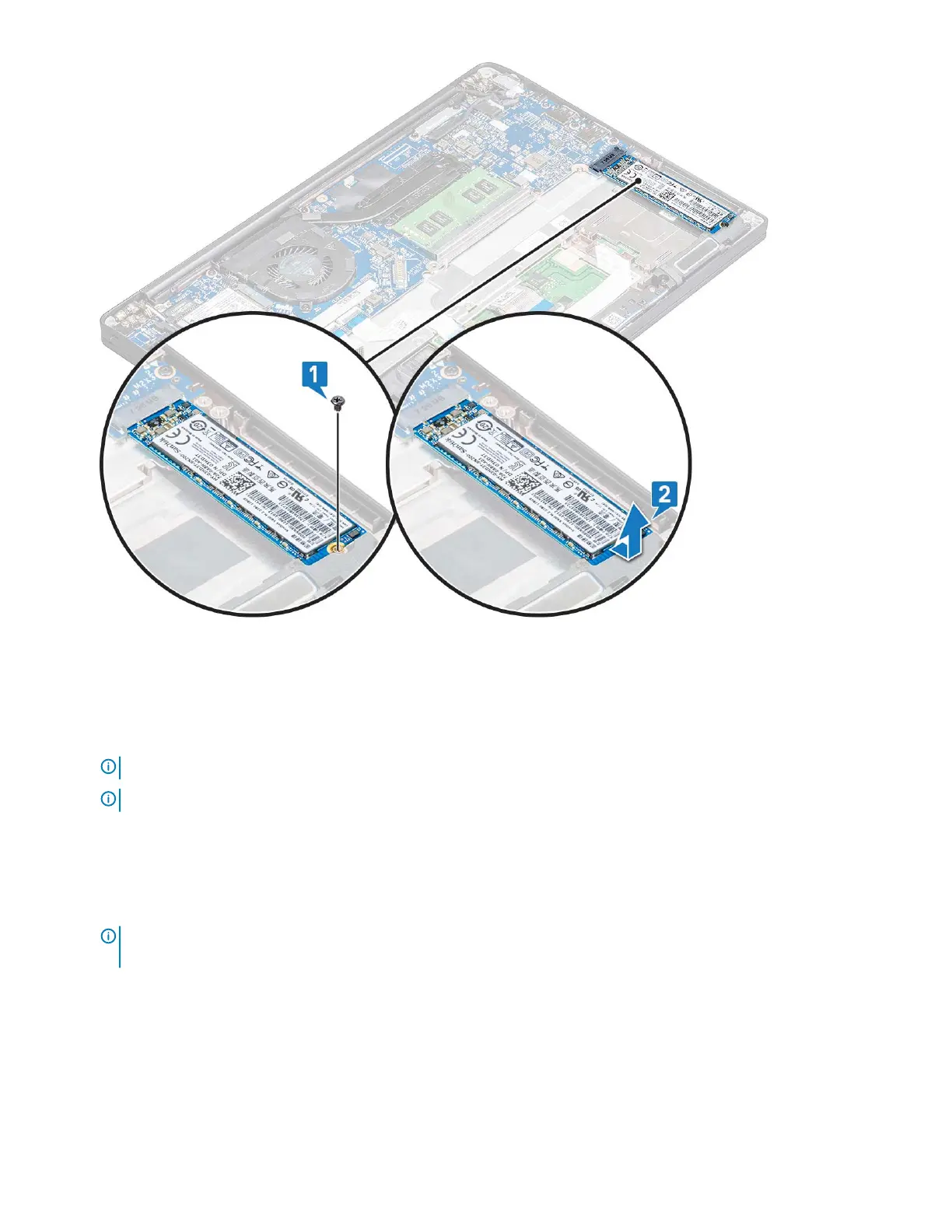
1 Insert the PCIe SSD card into the connector.
2 Install the SSD bracket over the PCIe SSD card.
NOTE: When installing the SSD bracket, ensure that the tab on the bracket is held securely with the tab on the palm rest.
NOTE: Ensure to install the bracket is the system is shipped with bracket.
3 Tighten the M2 x 3 screws to secure it the SSD bracket.
4 Install the
a battery
b base cover
5 Follow the procedure in After working iinside your computer.
NOTE: For models shipped with NVMe SSDs, the SSD do not require installation of a thermal plate over the SSD, neither
SATA SSDs require thermal plates.
14 Removing and installing components



 To Next Page