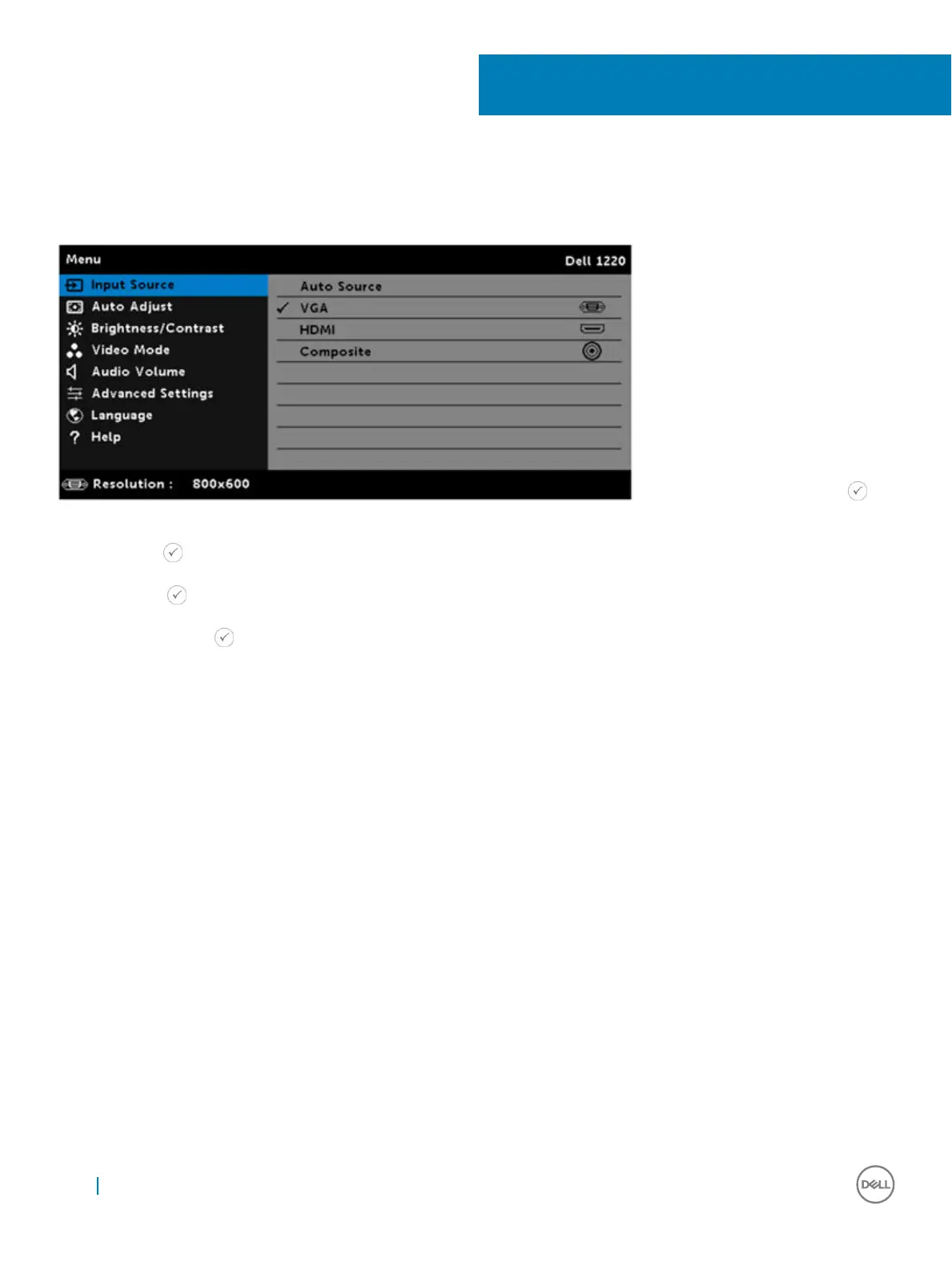
Input Source
The Input Source menu allows you to select your projector's input source.
AUTO SOURCE—If you press the key
on the remote control to select, the Auto Source option will automatically find the next available input source.
VGA—Press the key on the remote control to detect a VGA signal.
HDMI—Press the key on the remote control to detect a HDMI signal.
COMPOSITE—Press the key on the remote control to detect a Composite Video signal.
11
16 Input Source



 To Next Page