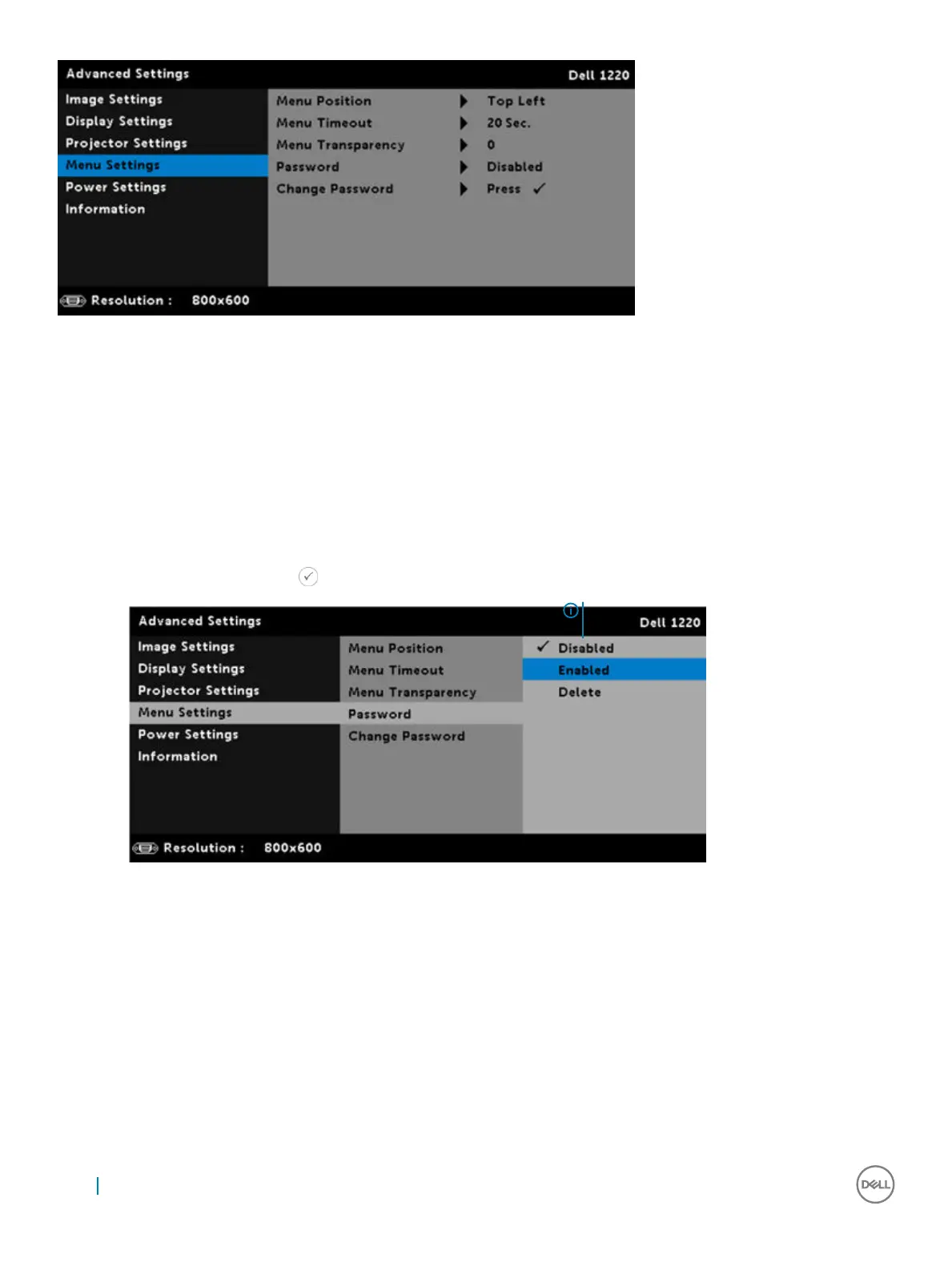
Menu Position: Allows you to change the position of the OSD menu on the screen.
Menu Timeout: Allows you to adjust the time for an OSD timeout. By default, the OSD disappears after 20 seconds of non-activity.
MENU TRANSPARENCY: Select to change the transparency level of the OSD background.
PASSWORD: When Password Protect is enabled, a Password Protect screen requesting you to enter a password will be displayed when
the power plug is inserted into the electrical output and the power for the projector is first turned on. By default, this function is disabled.
You can enable this feature by selecting Enabled. If the password has been set before, key in the password first and select the function.
This password security feature will be activated the next time you turn on the projector. If you enable this feature, you will be asked to
enter the projector’s password after you turn on the projector:
1
First time password input request:
a Go to Menu Settings, press and then select Password
to enable the password settings.
b Enabling the Password function will pop up a change
screen. Key in a 4-digit number from the screen and press
2 If you have entered an incorrect password, you will be given
two more chances. After three invalid attempts, the
projector will automatically turn off.
NOTE: If you forget your password, contact
DELL or a qualified service person.
28 Advanced Settings



 To Next Page