Operating the monitor | 35
Icon Menu and
submenus
Description
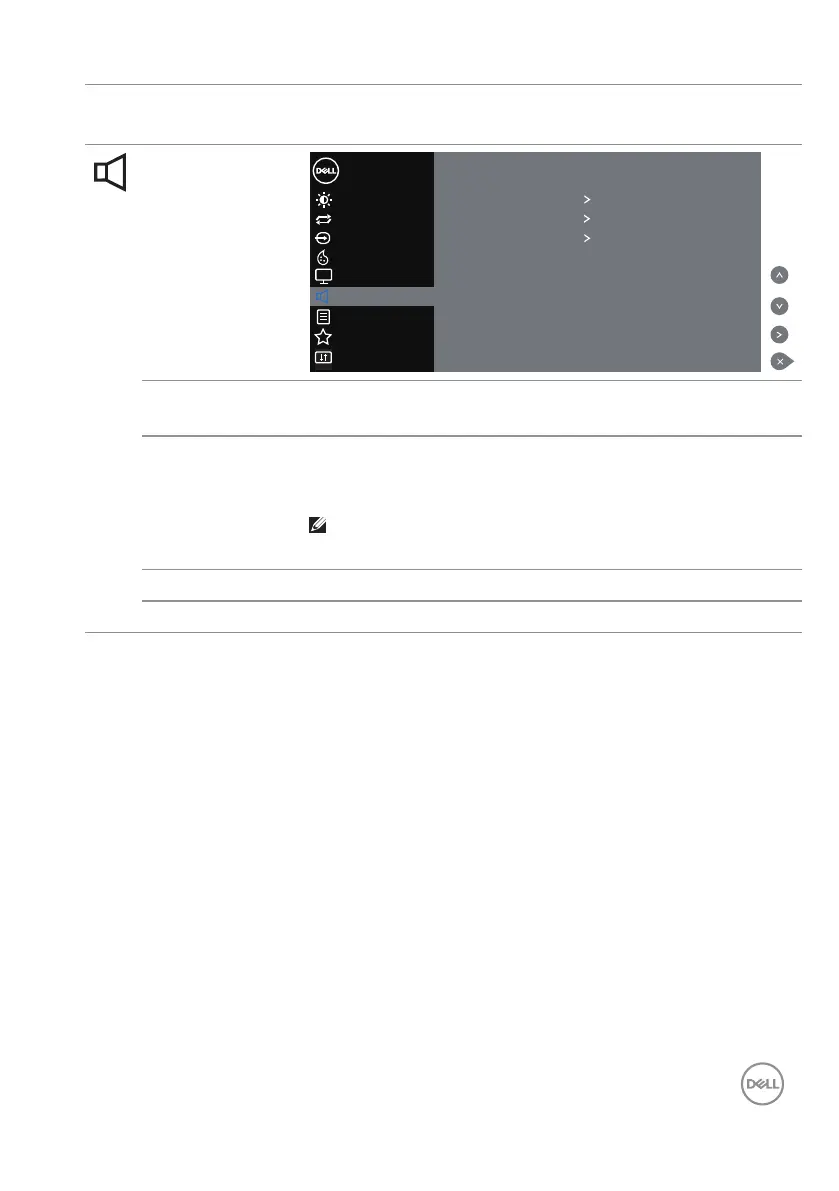
Audio
Color
Display
Others
Personalize
Menu
Brightness/Contrast
Dell 55 Monitor
Auto Adjust
Input Source
Volume 9
Audio Source HDMI 1 (or HDMI X or DP)
Speaker On
Reset Audio
Audio
Volume Use the buttons to adjust the volume. Minimum is ‘0’ (-).
Maximum is ‘100’ (+).
Audio Source Allows you to set the Audio Source mode to:
• PC Audio
• HDMI 1 (or HDMI X or DP)
NOTE: Audio Source is not available for VGA
input.
Speaker Allows you to enable or disable speaker function.
Reset Audio Select this option to restore default display settings.



 To Next Page