52 | Troubleshooting
Dell
P2418HZ
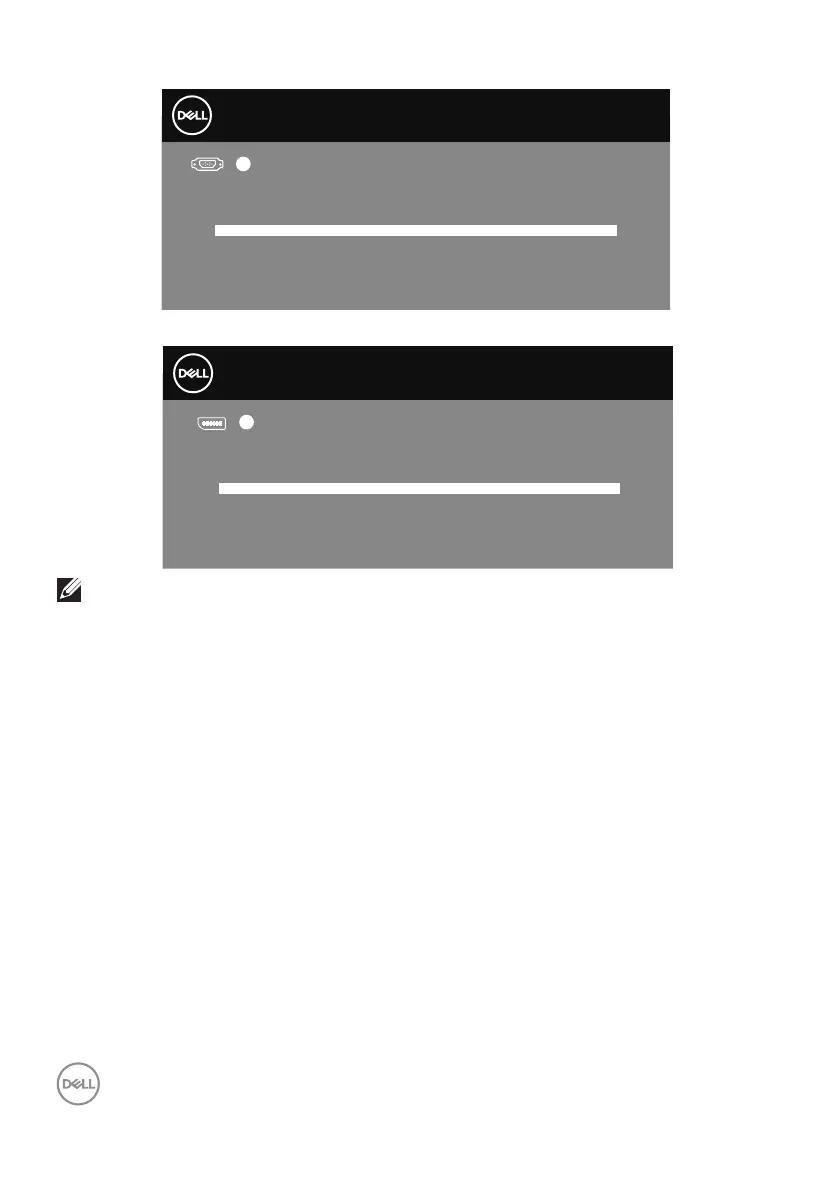
Dell 55 Monitor
No VGA Cable
The display will go into Standby Mode in 4 minutes.
www.dell.com/P5524Q
?
P5524Q
Dell 55 Monitor
No DP Cable
The display will go into Standby Mode in 4 minutes.
www.dell.com/P5524Q
?
P5524Q
NOTE: This box also appears during normal system operation, if the video
cable is disconnected or damaged.
4.
Turn off your monitor and reconnect the video cable; then turn on your
computer and the monitor.
If your monitor remains dark after you reconnect the cables, check your video
controller and computer.



 To Next Page