c. Route the display cable through the routing guides on the left fan.
d. Replace the four M2x4 screws that secure the left fan to the system board.
e. Connect the right fan cable to the system board.
f. Route the touch-screen cable through the routing guides on the right fan.
g. Adhere the tape that secures the touch-screen cable to the right fan.
h. Connect the display cable to the system board.
i. Replace the four M2x4 screws that secure the right fan to the system board.
2. Follow the procedures in After Working Inside Your Computer.
Heat sink
Removing the Heatsink
Steps
1. Follow the procedures in Before Working Inside Your Computer.
2. Remove the:
a. Base cover
b. battery
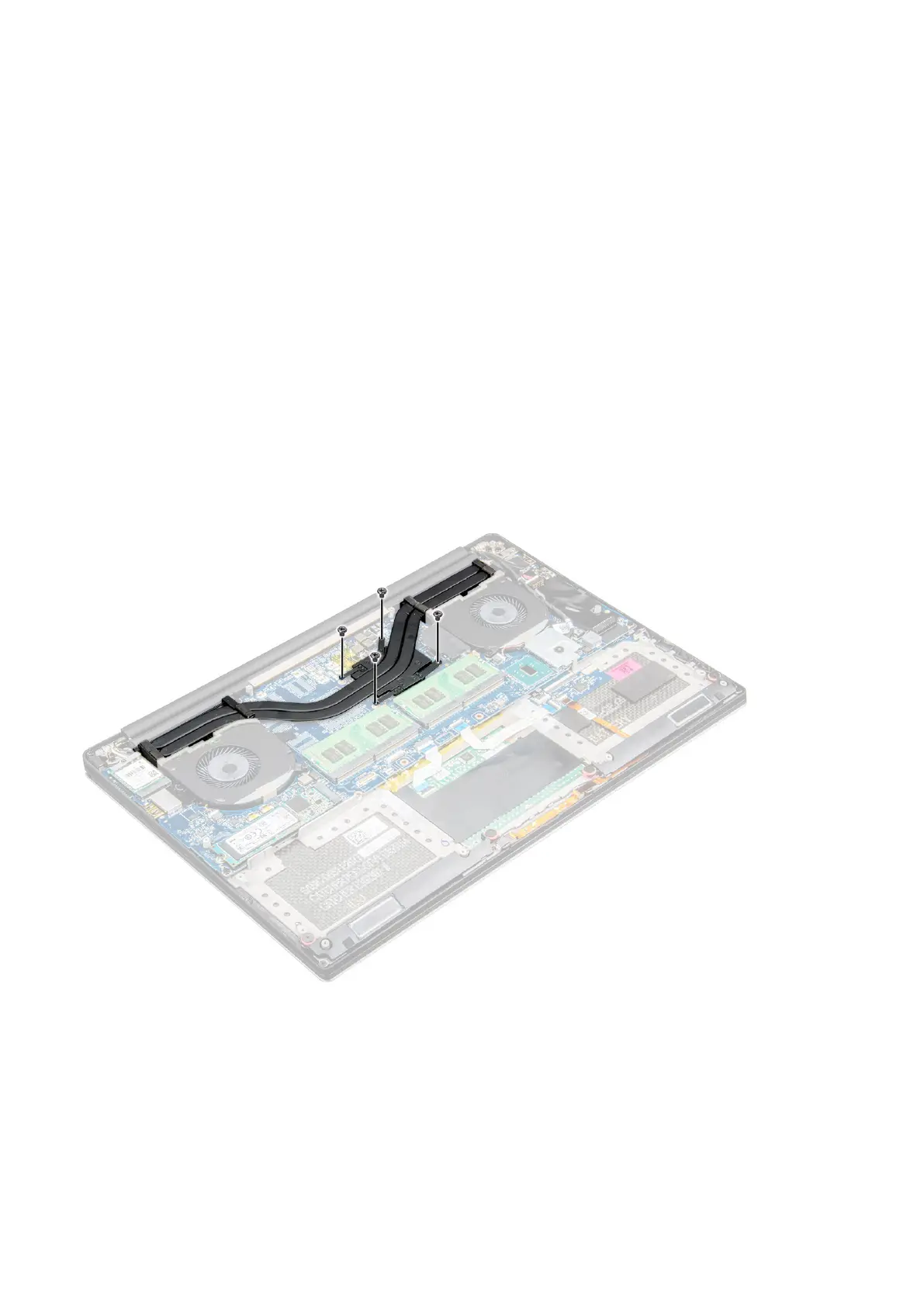
3. Remove the four M2x3 screws that secure the heatsink to the system board.
4. Lift the heatsink off the computer.
Disassembly and reassembly
25





 To Next Page