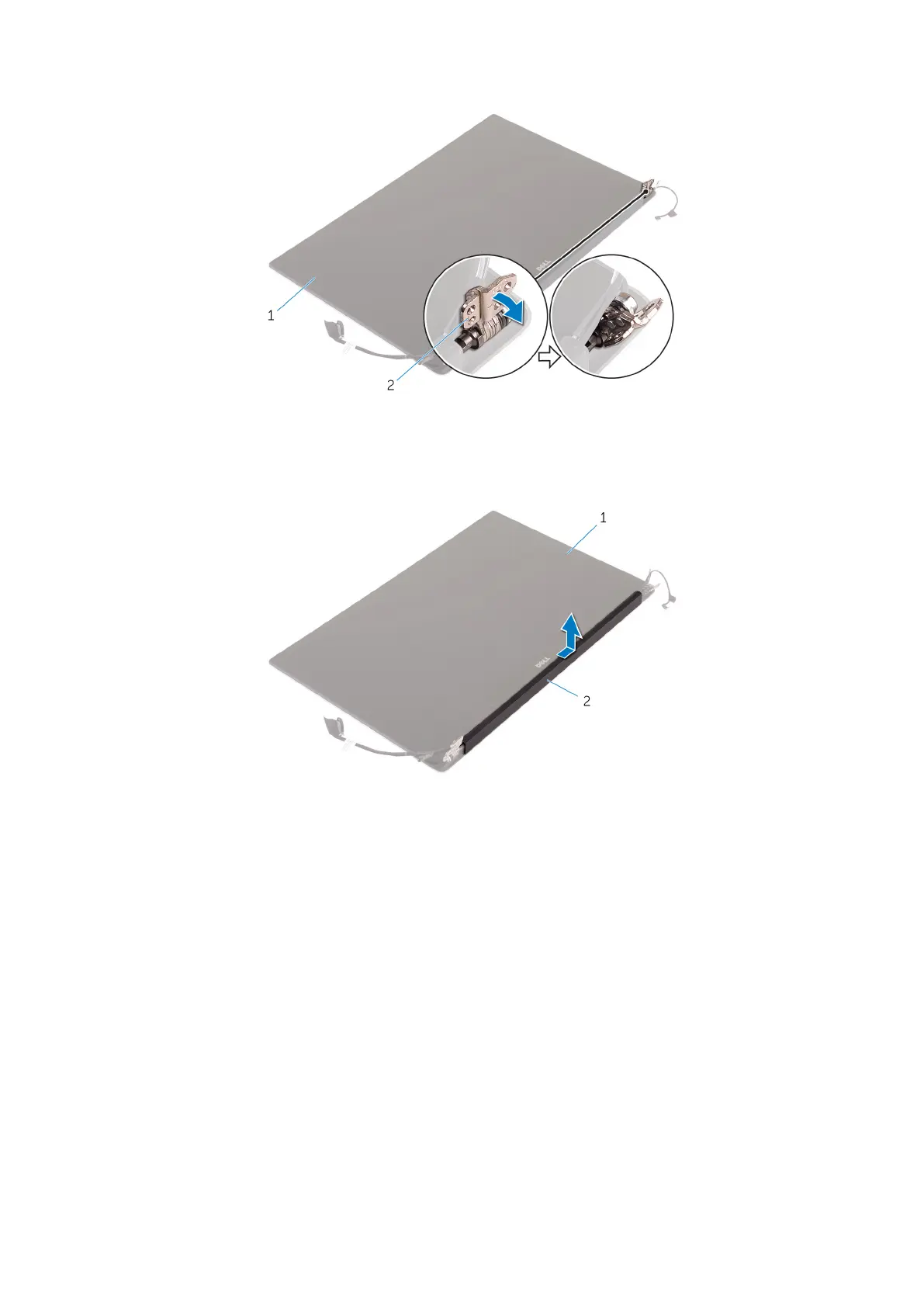
Figure 6. Turning the display hinge
a. display assembly
b. display hinges (2)
4. Slide and lift the antenna cover away from the display assembly.
Figure 7. Removing the antenna cover
a. display assembly
b. antenna cover
Installing the antenna cover
Steps
1. Replace the antenna cover on the display assembly.
2. Turn the display hinges to the normal position.
3. Install the:
a. display assembly
b. wireless card
c. battery
d. base cover
4. Follow the procedures in After Working Inside Your Computer.
28
Disassembly and reassembly





 To Next Page