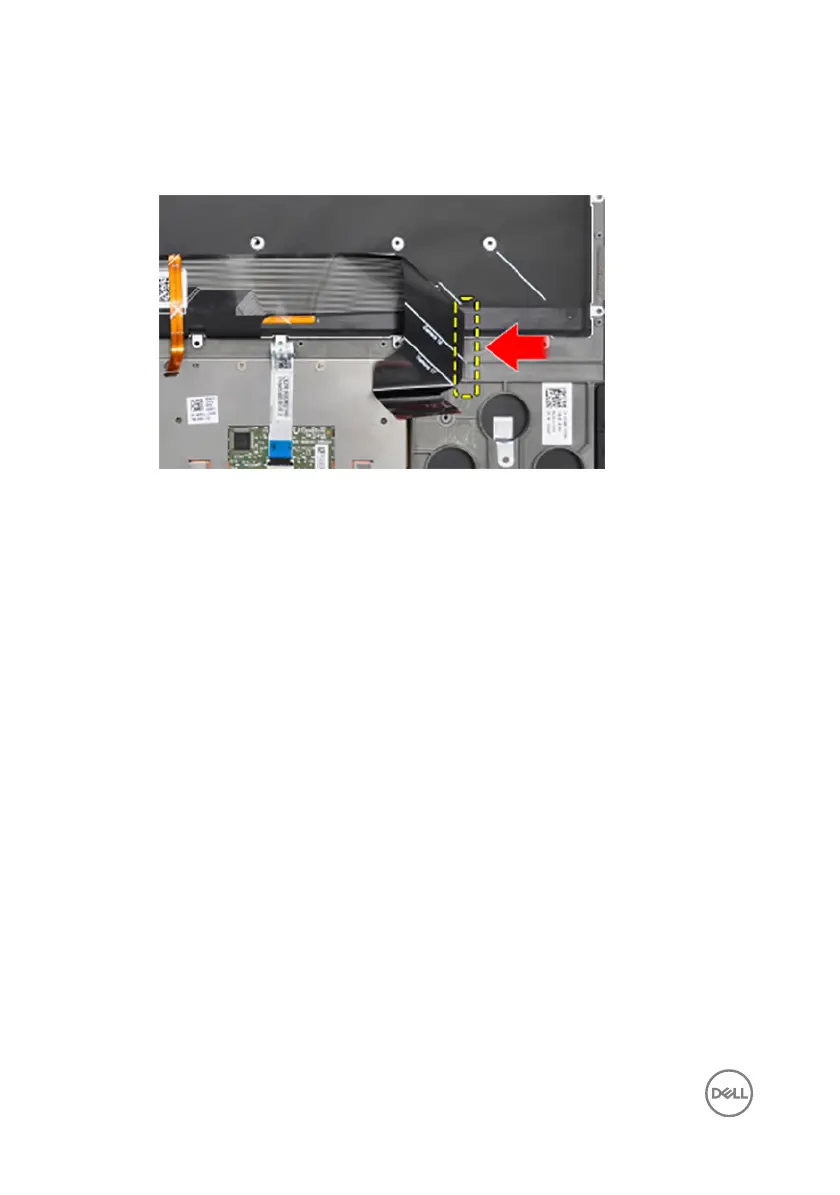
Folding the keyboard cables
CAUTION: Do not apply excess pressure while folding the cables.
The cables on the keyboard are not folded when you receive a replacement keyboard.
Follow these instructions to fold the cables on the replacement keyboard the same
way they are folded on the old keyboard.
NOTE: Keyboard-backlight cable is present only on a backlit-keyboard.
1 Note the position to fold the new keyboard cable.
100



 To Next Page