10. Remove the touch pad assembly
11. Remove the
VGA daughter board
12. Remove the power button board
13. Remove the speakers
14. Remove the system fan
15. Remove the heatsink
16. Remove the system board
17. Remove the display assembly
About this task
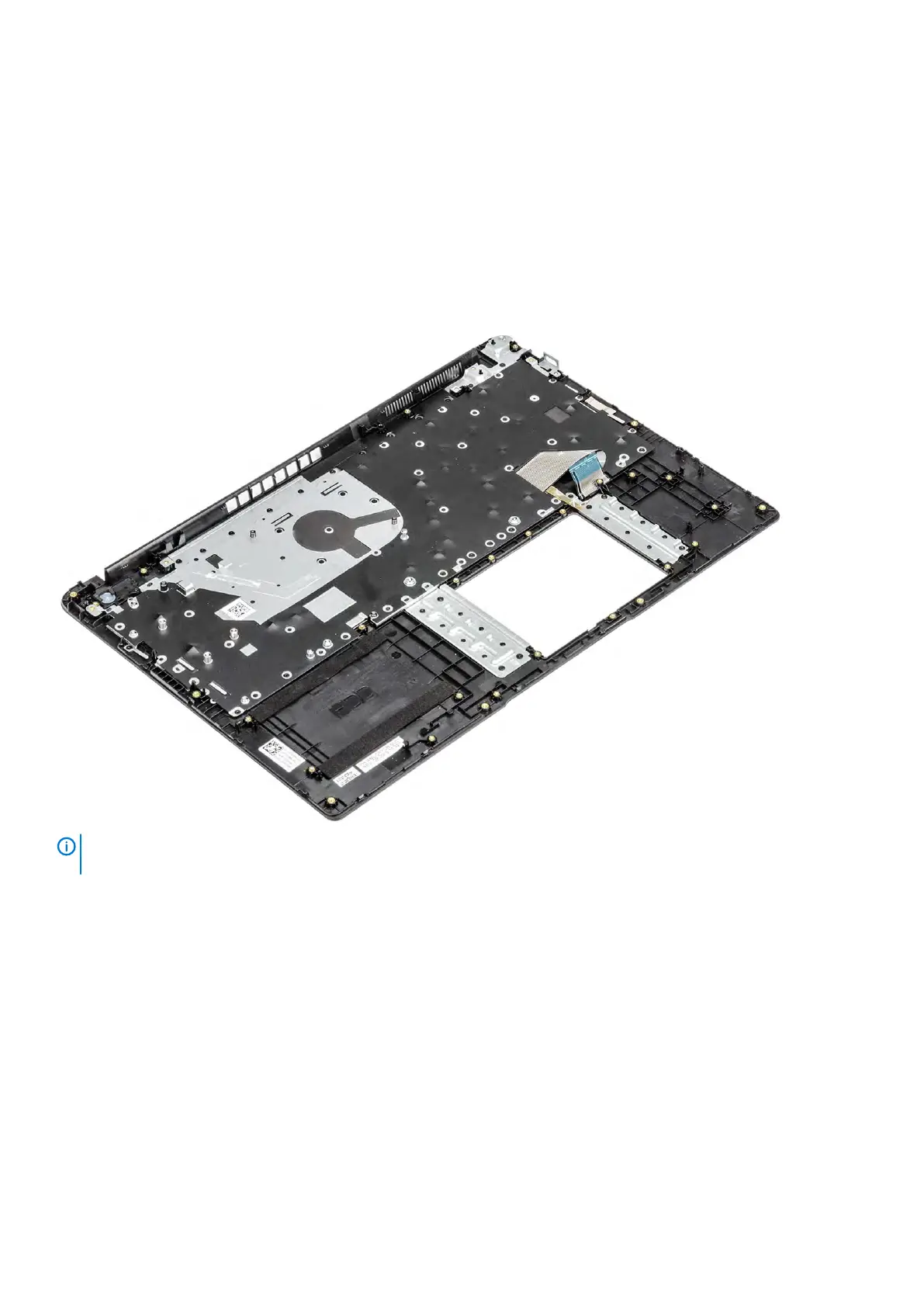
After performing the preceding steps, you are left with the palmrest and keyboard assembly.
NOTE:
The power button board is not included with the service replacement palmrest assembly. Ensure the power
button board is replaced onto the service replacement palmrest assembly.
108 Removing and installing components



 To Next Page