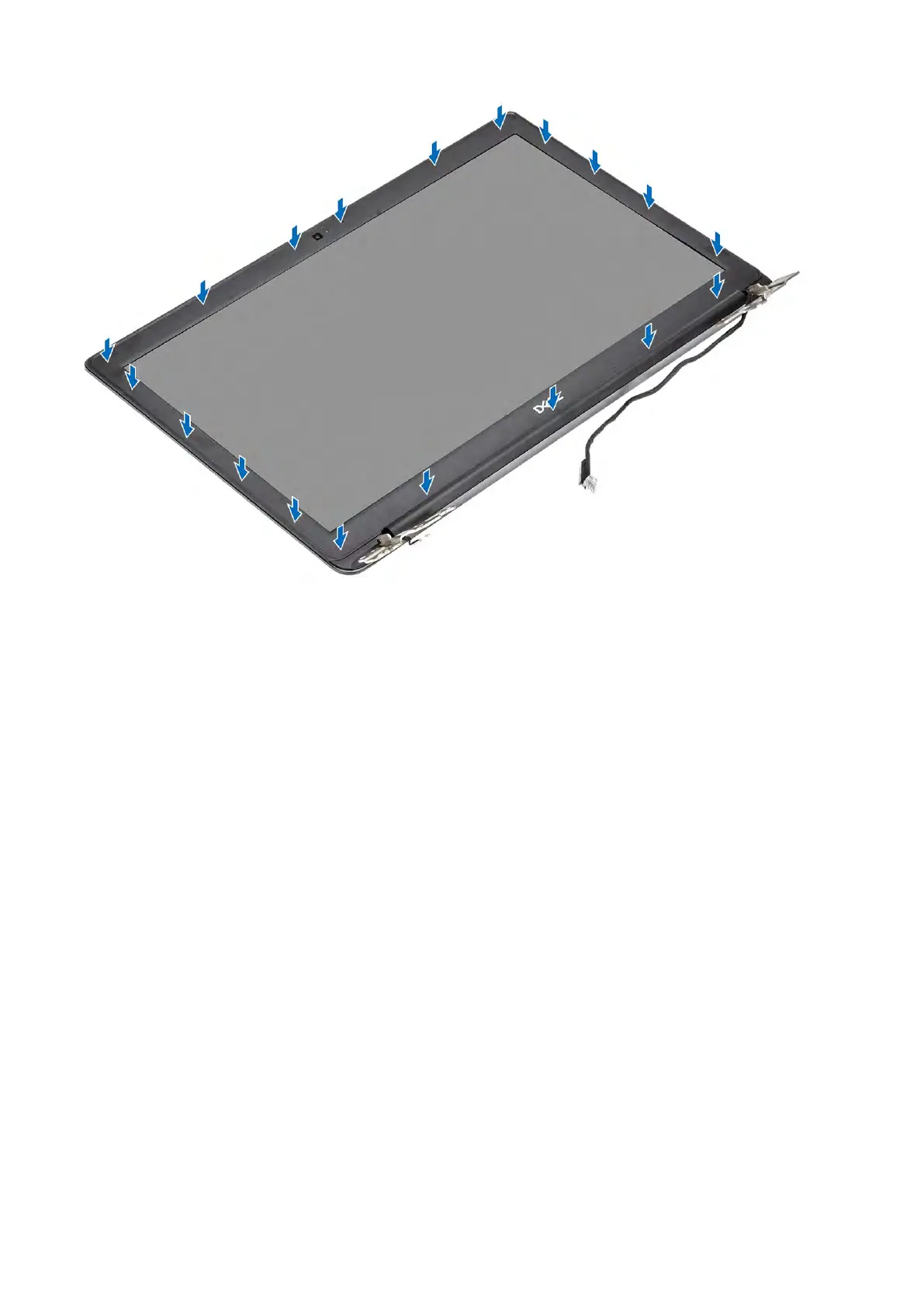
Next steps
1. Replace the display assembly
2. Replace the WLAN
3. Replace the battery
4. Replace the base cover
5. Replace the SD memory card
6. Follow the procedure in after working inside your computer
Display panel
Removing the display panel
Prerequisites
1. Follow the procedure in before working inside your computer
2. Remove the SD memory card
3. Remove the
base cover
4. Remove the battery
5. Remove the
WLAN
6. Remove the display assembly
7. Remove the
display bezel
Steps
1. Remove the four (M2x2.5)
screws that secure the display panel to the display back-cover [1].
2. Lift the display panel and turn it over [2].
Removing and installing components 91



 To Next Page