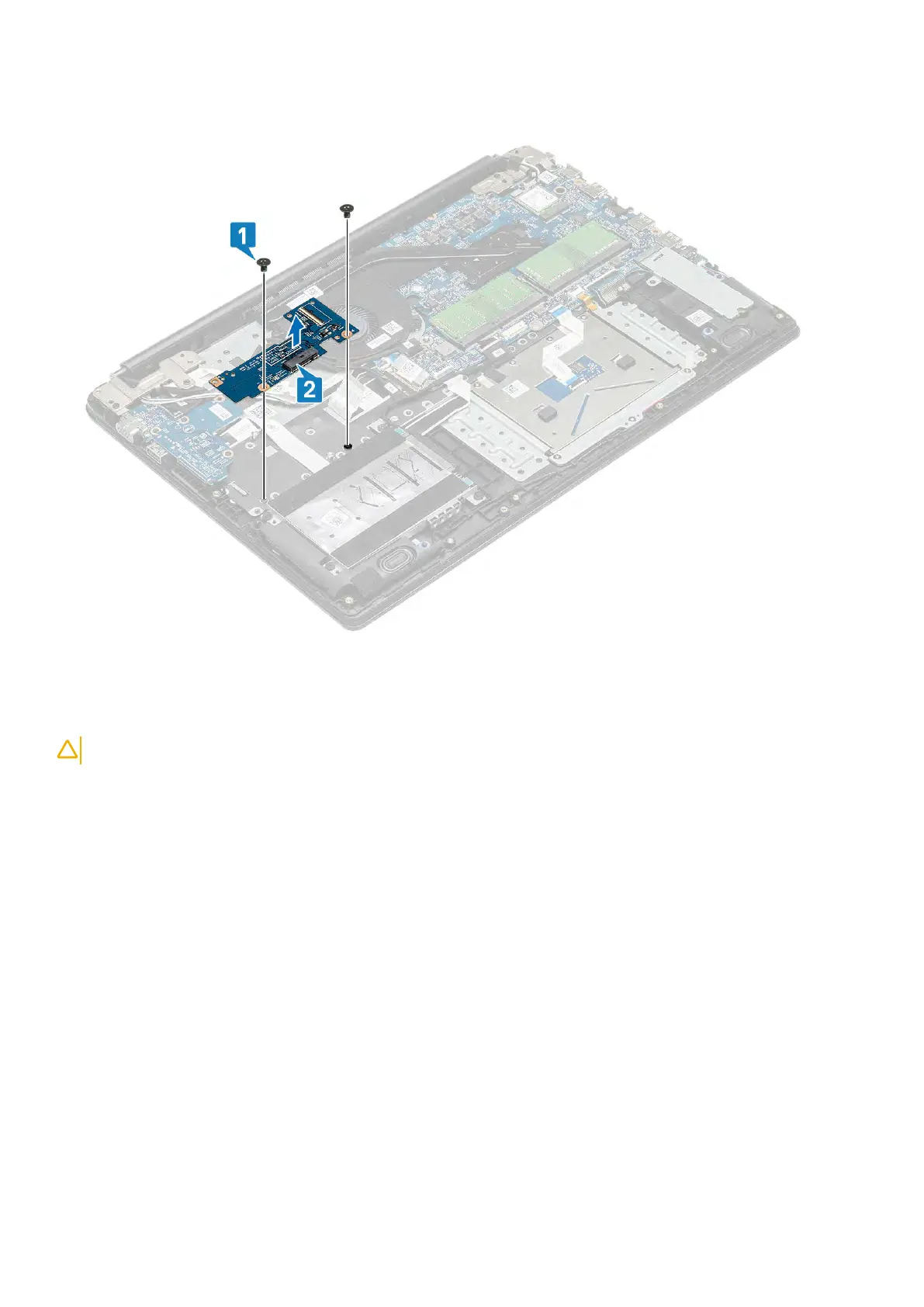
2. Remove two (M2x3) screws that secure the WWAN daughterboard to the palm rest and keyboard assembly [1] and then lift the
WWAN daughterboard card away from the palm rest and keyboard assembly [2].
Installing the WWAN daughterboard
About this task
CAUTION: To avoid damage to the WWAN card, do not place any cables under it.
Steps
1. Using the alignment posts, place the WWAN daughterboard on the palm rest and keyboard assembly [1]
2. Replace the two (M2x3) screws that secure the WWAN daughterboard to the palm rest and keyboard assembly [2].
44 Removing and installing components



 To Next Page