External ports
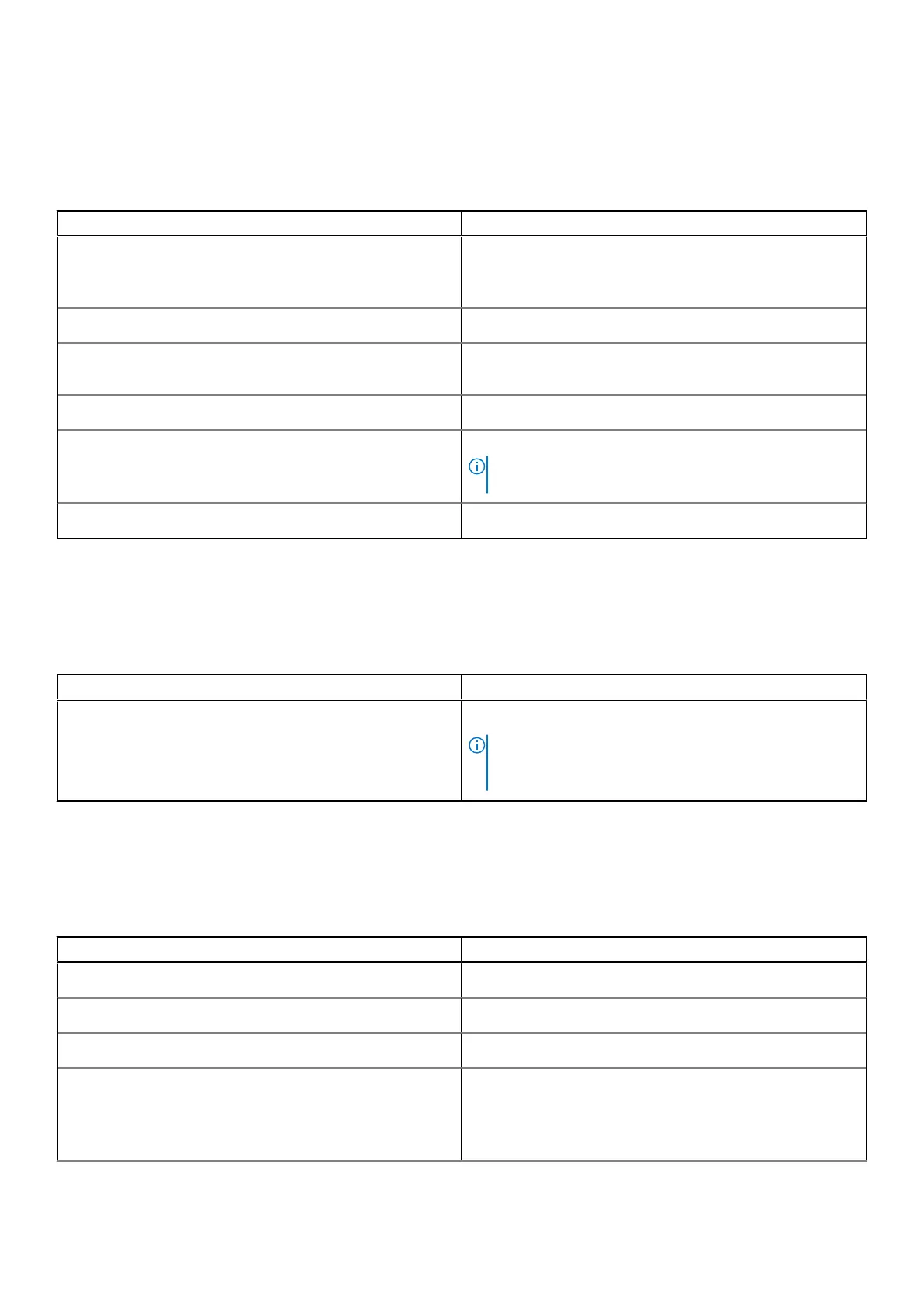
The following table lists the external ports on your Precision 5560.
Table 8. External ports
Description Values
USB ports
● One USB 3.2 Gen 2 Type-C port with DisplayPort Alt
Mode
● Two Thunderbolt 4 ports with Power Delivery
Audio port
One Universal audio (headphone and microphone combo) port
Video port/ports
USB Type-C port with DisplayPort Alt mode and Thunderbolt
4
Media-card reader
One SD card slot
Power-adapter port
USB Type-C ports supports Power Delivery
NOTE: Connect the power adaptor (USB Type-C) to only
one of the three USB Type-C or Thunderbolt 4 ports.
Security-cable slot
One wedge-shaped security slot
Internal slots
The following table lists the internal slots of your Precision 5560.
Table 9. Internal slots
Description Values
M.2
Two M.2 2230/2280 slot for solid-state drives
NOTE: To learn more about the features of different
types of M.2 cards, see the knowledge base article
000144170 at www.dell.com/support.
Wireless module
The following table lists the Wireless Local Area Network (WLAN) module supported on your Precision 5560.
Table 10. Wireless module specifications
Description Values
Model number
Intel Wi-Fi 6 AX201 (onboard)
Transfer rate
Up to 2400 Mbps
Frequency bands supported
2.4 GHz/5 GHz
Wireless standards
● Wi-Fi 802.11a/b/g
● Wi-Fi 4 (WiFi 802.11n)
● Wi-Fi 5 (WiFi 802.11ac)
● Wi-Fi 6 (WiFi 802.11ax)
Specifications of Precision 5560 13



 To Next Page