Installing and Configuring Hardware 45
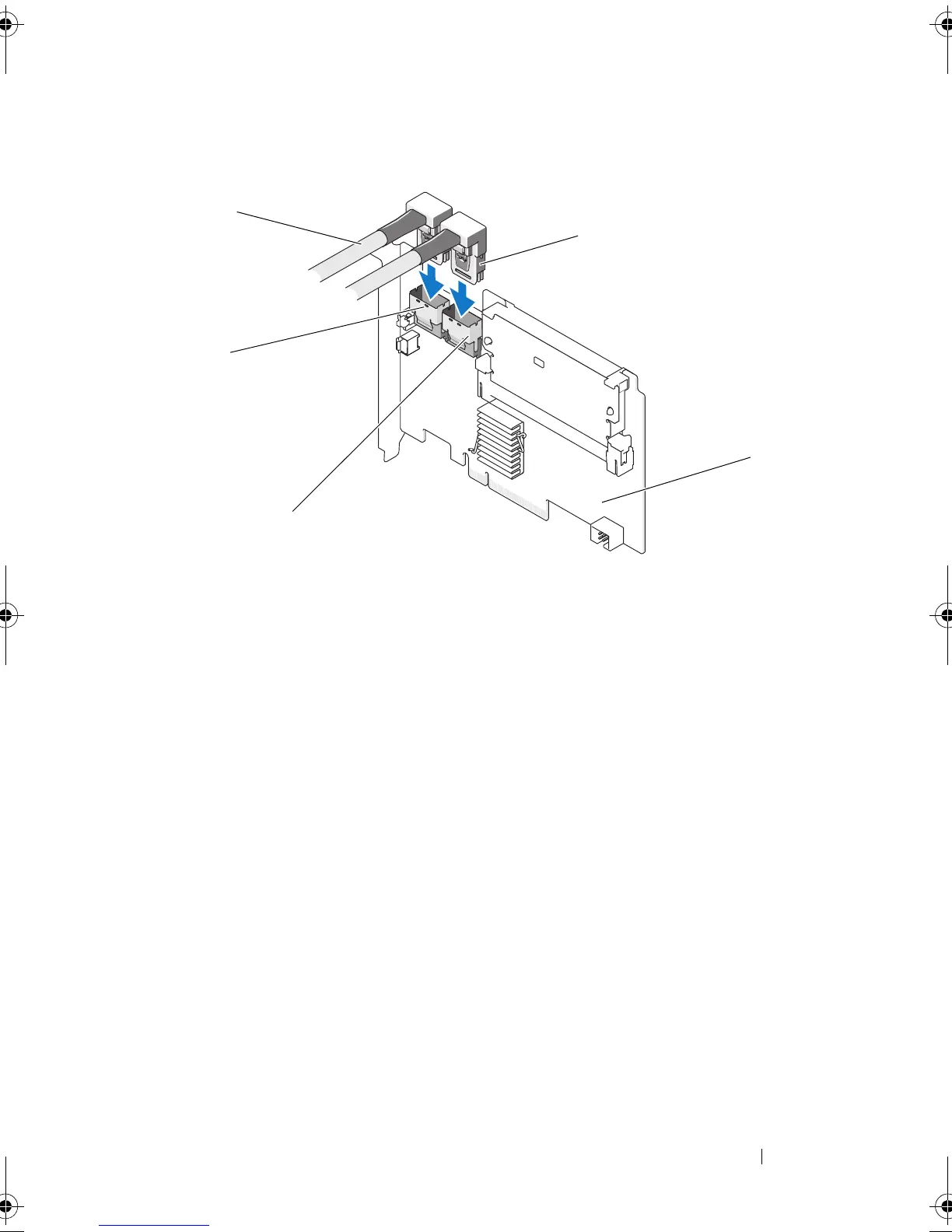
Figure 4-4. Connecting Cables to the Controller
11
Replace the cover of the system. For more information on closing the
system, see the
Hardware Owner’s Manual
shipped with your system or at
support.dell.com/manuals
.
12
Reconnect the power and network cables, and turn on the system.
1 cable 2 Port B
3 Port A 4 PERC H700 adapter
5 connector
PERC7.2_UG.book Page 45 Thursday, March 3, 2011 2:14 PM















 To Next Page