44 Installing and Configuring Hardware
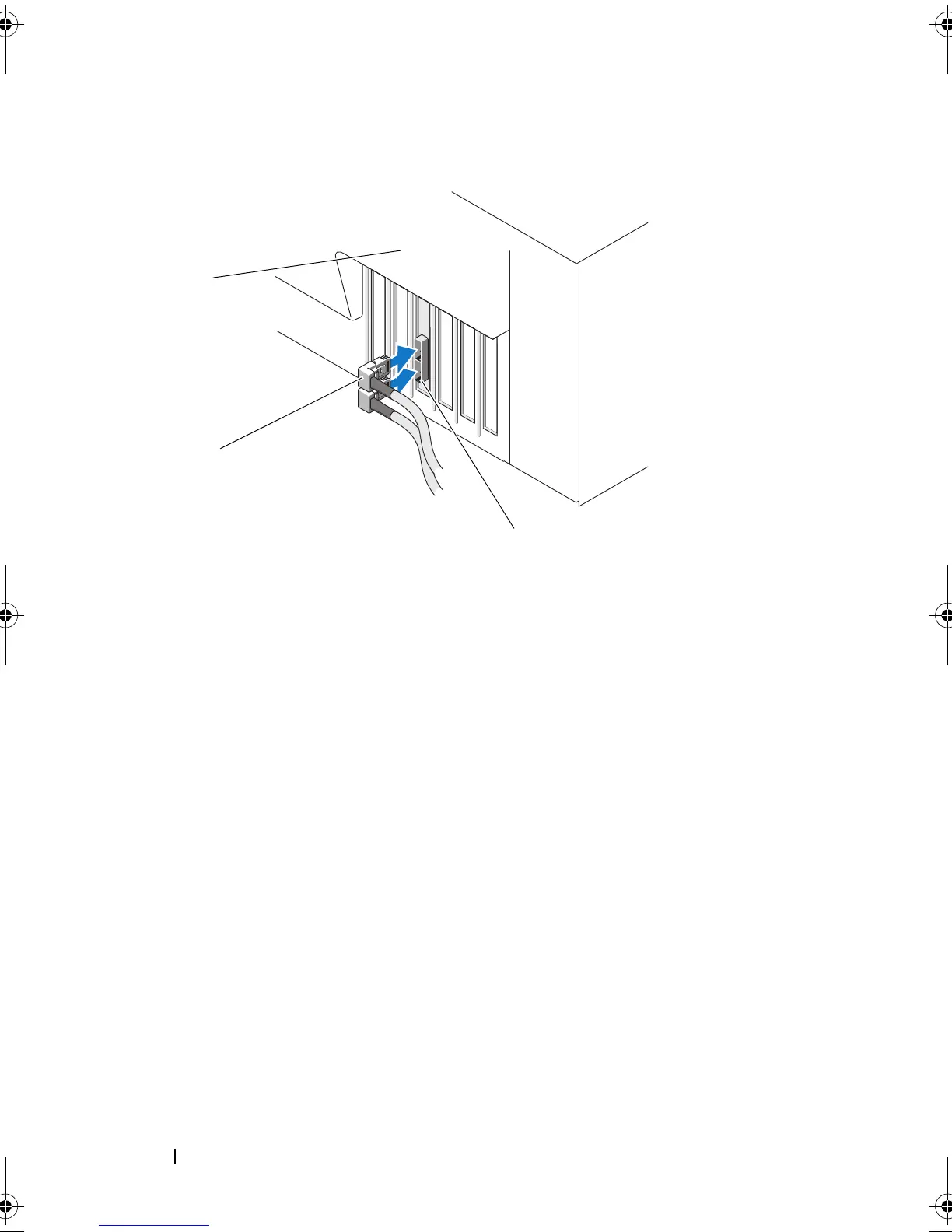
Figure 4-3. Connecting the Cable From the External Enclosure
10
For the PERC H700 adapter, connect the cables from the backplane of the
system to the controller. The primary SAS connector is labeled
SAS_A
and
the secondary SAS connector is labeled
SAS_B
. For more information, see
Figure 4-4.
1 connector on the controller 2 cable from the external enclosure
3system
PERC7.2_UG.book Page 44 Thursday, March 3, 2011 2:14 PM















 To Next Page