Installing and Configuring Hardware 43
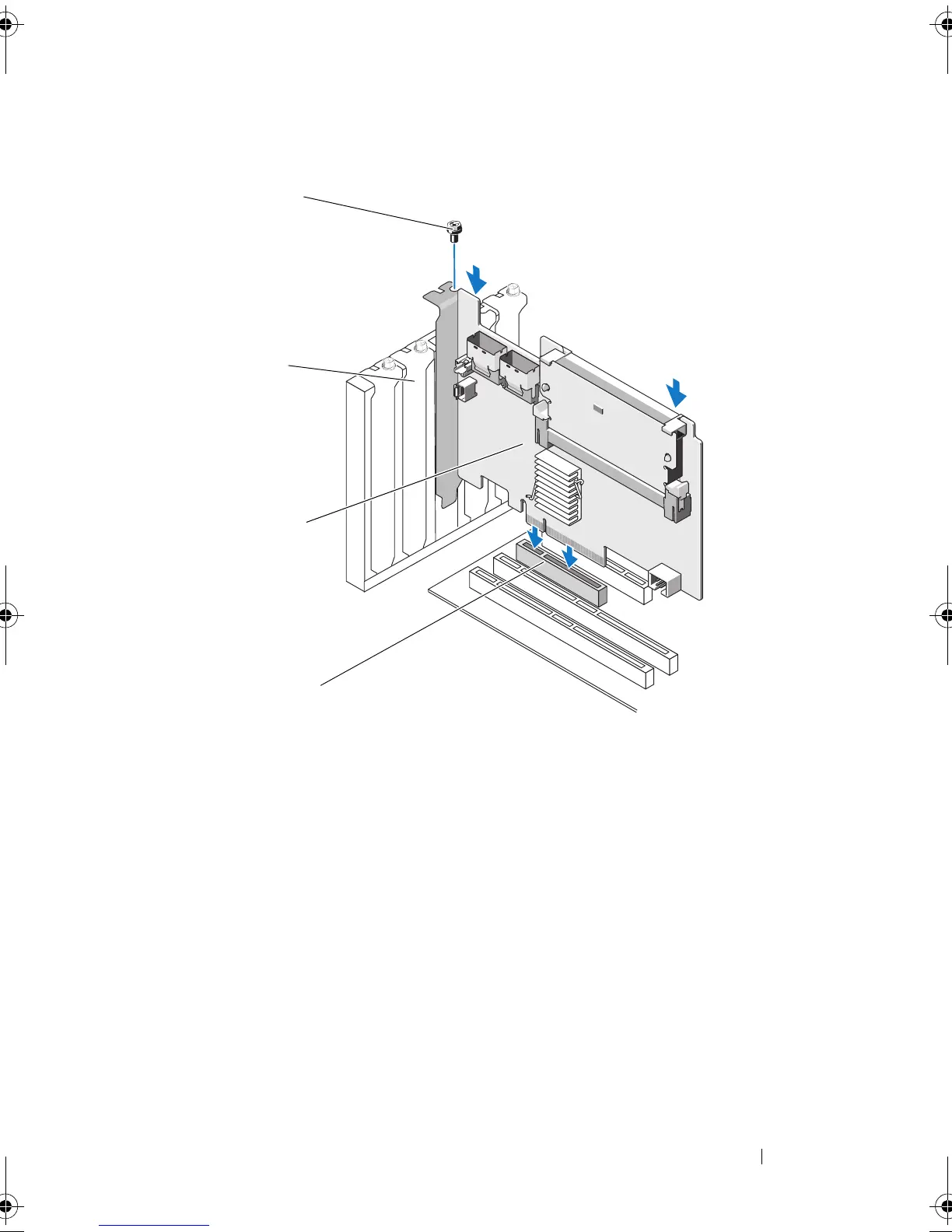
Figure 4-2. Installing a PERC H700 Adapter
7
Tighten the bracket screw, if any, or use the system’s retention clips
to secure the controller to the system’s chassis.
8
Replace the cover of the system. For more information on closing the
system, see the
Hardware Owner’s Manual
shipped with your system or at
support.dell.com/manuals
.
9
For the PERC H800 adapter, connect the cable from the external enclosure
to the controller. For more information, see Figure 4-3.
1 PCI-e slot 2 PERC H700 adapter
3 filler brackets 4 bracket screw
PERC7.2_UG.book Page 43 Thursday, March 3, 2011 2:14 PM















 To Next Page