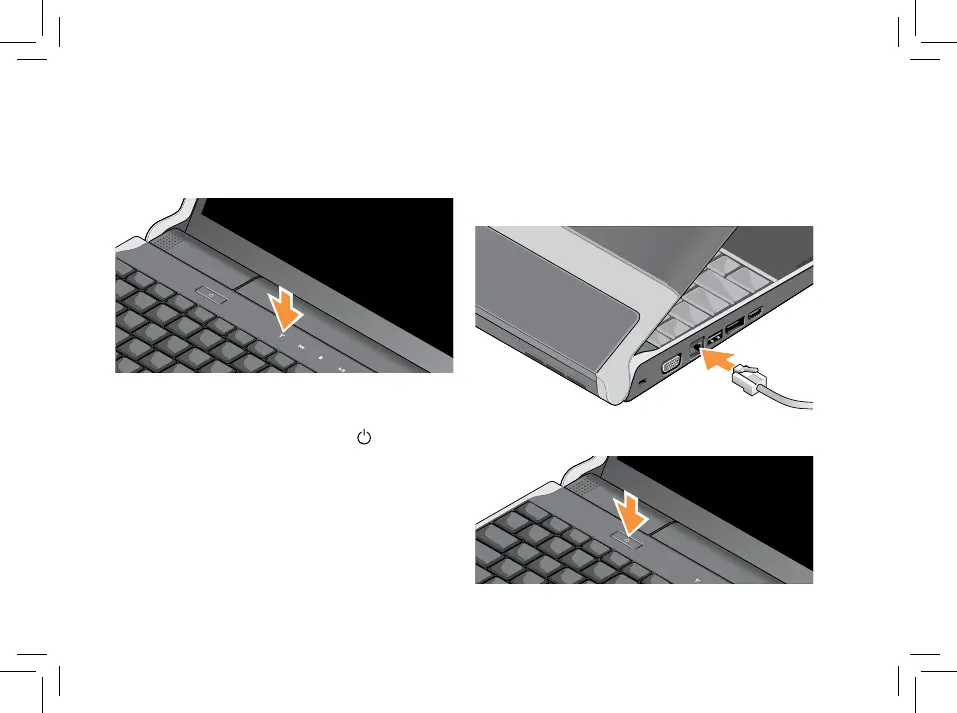
Check the Wireless Button
If you plan to use wireless connections, make
sure the wireless button is turned on.
Using The Wireless Button
To turn on wireless, with the system turned on,
lightly touch the wireless symbol
on the
center control cover and then release.
Connect the Network Cable
(optional)
If you plan to use a wired network connection,
plug in the network cable.
Press the Power Button



 To Next Page