Setting Up Your Computer 15
FILE LOCATION: C:\00_Windchill\systems\Heelys\QRG\A00\DAO_BCC\A00\EN\setting.fm
DELL CONFIDENTIAL – PRELIMINARY 2/14/08 - FOR PROOF ONLY
6
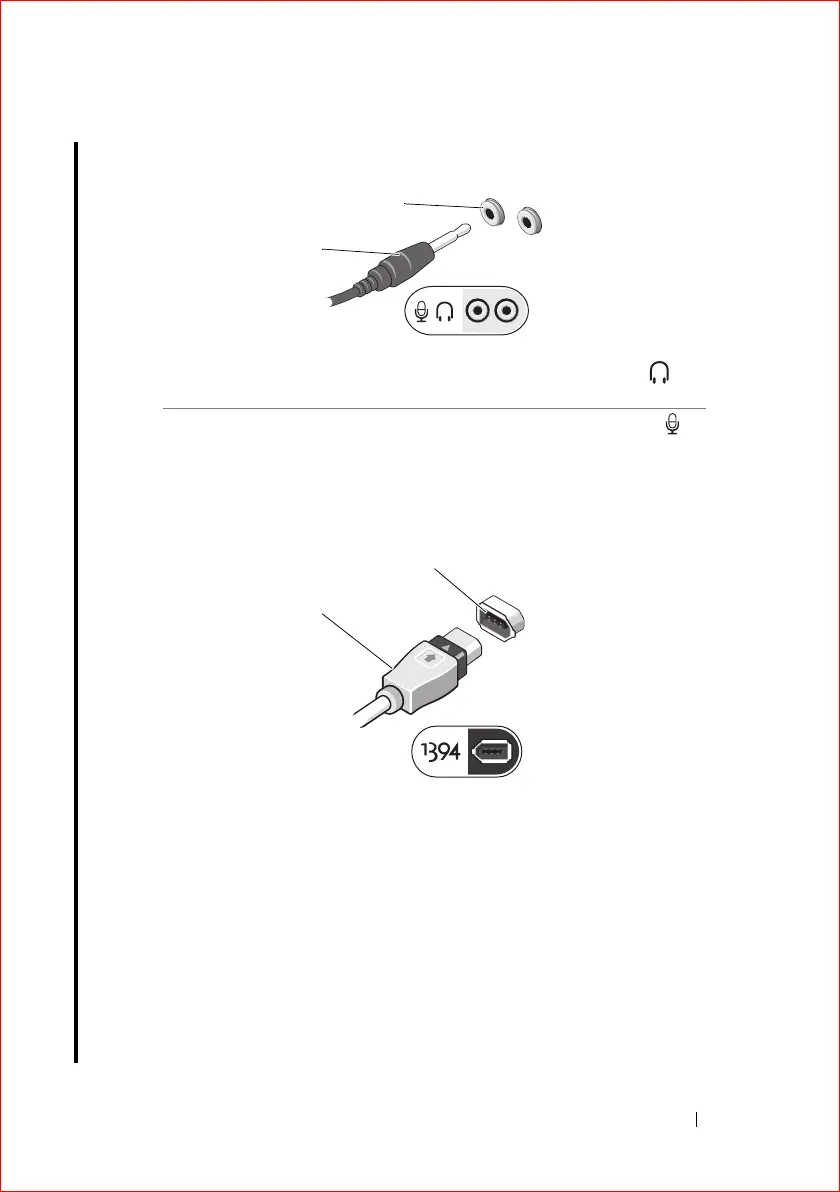
(Optional). Connect headphones and/or a microphone.
7
(Optional). Connect a 1394 (4-pin firewire) device.
(diagram to be
replaced with correct 4-pin 1394a connector.
8
(Optional). Connect an eSATA device. (
diagram to be added)
9
(Optional). Connect a Dell external media module. (
diagram to be added)
1 Headphone or microphone
cable
Attach headphones to the
connector.
2 Headphone or microphone
connector
Attach a microphone to the
connector.
1 1394 cable 2 1394 connector
2
1
2
1















 To Next Page