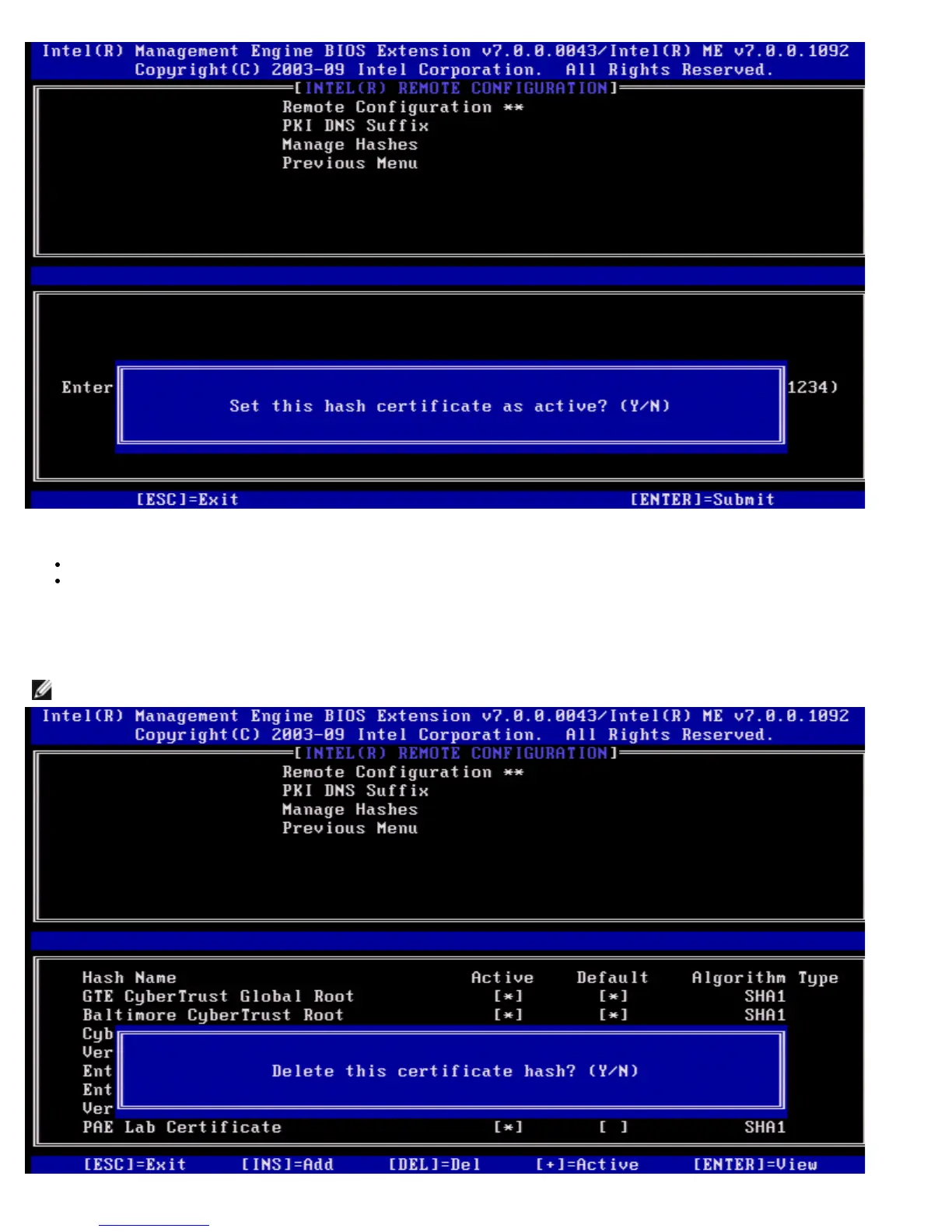
Your response sets the active state of the customized hash as follows:
Yes – The customized hash will be marked as active.
No (Default) – The customized hash will add to the EPS but will not be active.
Deleting a Hash
When the Delete is pressed in the Manage Certificate Hash screen, the following screen is displayed.
NOTE: A certificate hash that is set to Default cannot be deleted.















 To Next Page