This option allows deleting of the selected certificate hash.
Yes – Intel MEBx sends the firmware a message to delete the selected hash.
No – Intel MEBx does not delete the selected hash, and returns to Remote Configuration.
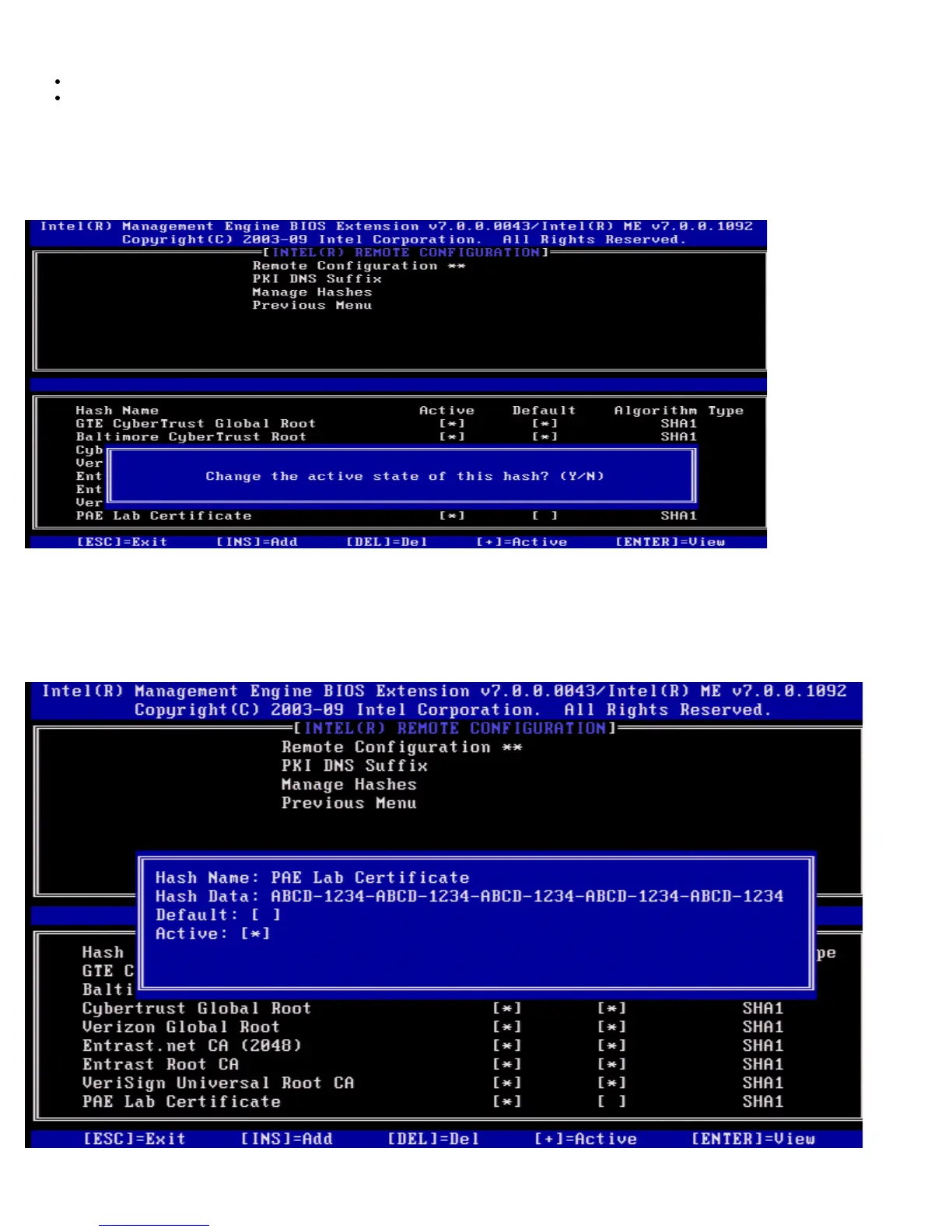
Changing the Active State
When the + is pressed in the Manage Certificate Hashes screen, the following screen is displayed as seen in the following
screen.
Answering Y toggles the active state of the currently selected certificate hash. Setting a hash as active indicates that the hash
is available for use during PSK provisioning.
Viewing a Certificate Hash
When <Enter> is pressed in the Manage Certificate Hash screen, the following screen is displayed.















 To Next Page