54 | Operating the monitor
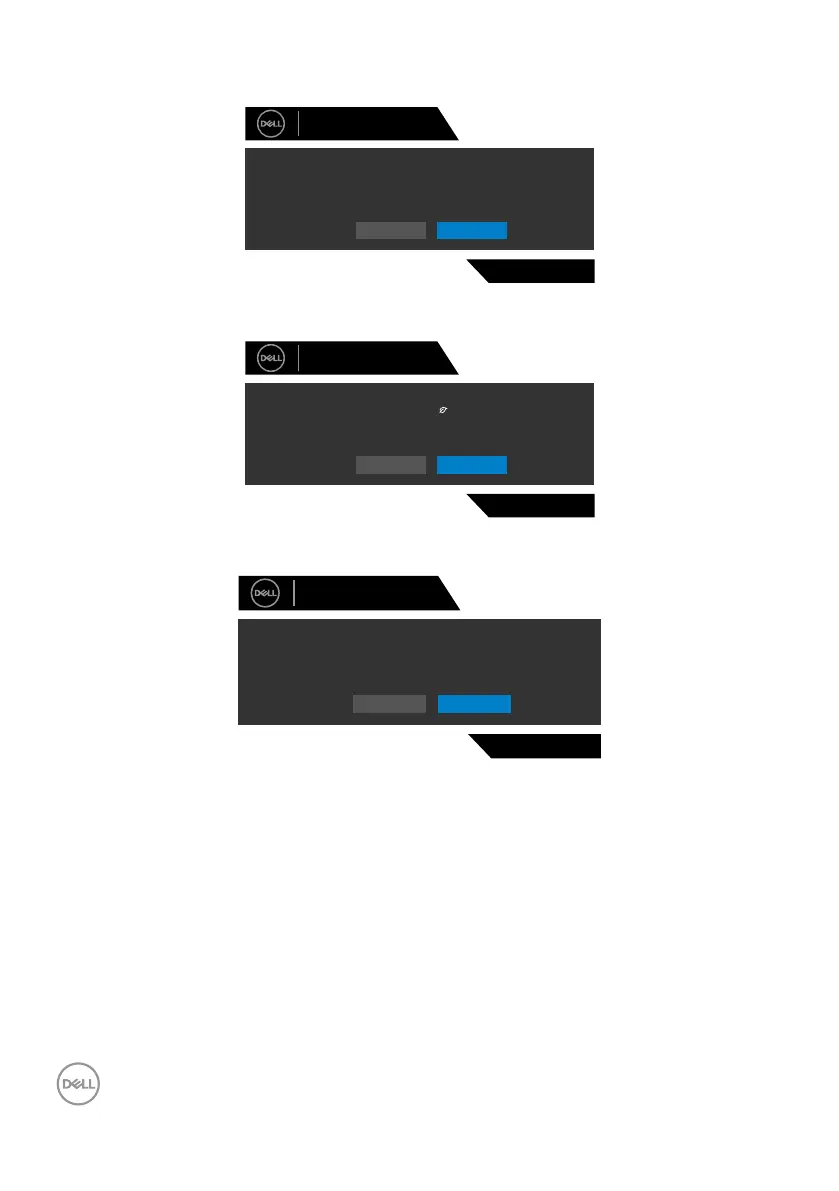
When you select OSD items of Factory Reset in Other feature, the following message
will appear:
Dell 27 Gaming Monitor
S2721DGFA
Are you sure you want to reset to default settings?
Yes No
Select OSD items of On in Standby Mode in Personalize feature, the following
message will appear:
Dell 27 Gaming Monitor
Yes No
S2721DGFA
Changing to this setting (without symbol) will Increase
power consumption,Do you want to continue?
If adjust the Brightness level above the default level over 75%, the following message
will appear:
Adjusting to this value will increase power consumption above the default level.
Do you want to continue?
Yes No
S2721DGFA
Dell 27 Gaming Monitor
See Troubleshooting for more information.



 To Next Page