CACStar User Guide Rev A27
Copyright 2017 Digital Imaging Technology Page 28
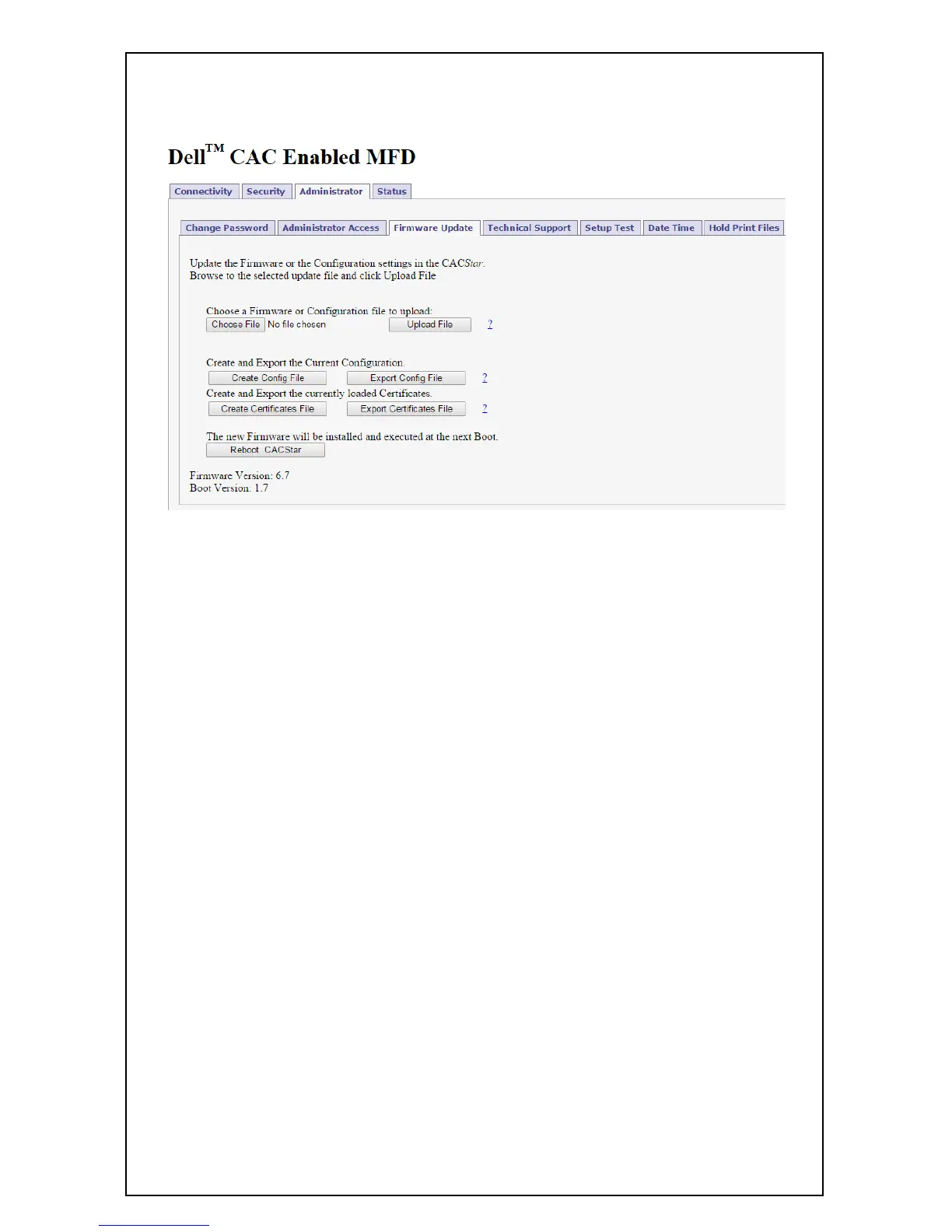
Firmware Update
Firmware is stored in flash memory and can be updated as necessary
for addition of new features. The CACStar.cfg file may also be
uploaded. It is a text file that contains the CACStar configuration
items.
For more details about how to update the firmware, please see the
separate document “Firmware Update Procedure”.



 To Next Page
 Loading...










